


Stinkymonkey
Members
-
Joined
-
Last visited
Everything posted by Stinkymonkey
-
No they dont. However you can get it by installing a vehicle or a livery by your self. Same goes for your uniform.
-
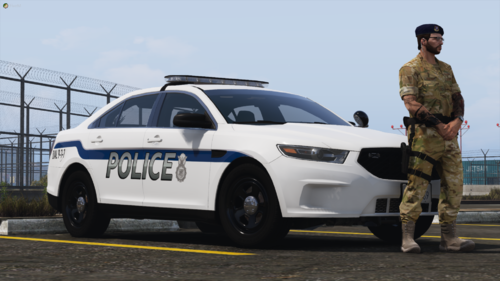 Im kind of late on this topic but what vehicle am I supposed to use it on? Did I miss anything in the readme? Will have helped if you put the link for the vehicle that you used to create this. Thank you.
 -
Idk whats going on but i just installed it and I never had this problem but now I am having this problem. If anyone has any fixes please help. Thanks.

-
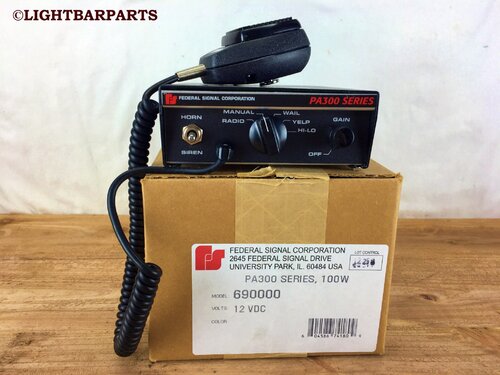 Hey ya I just installed this siren. will you mind teaching me how to install it?
- 6 comments
- 1 review



