


.png.197523e294146ca811ac06ac82247370.png)
FireGaming3355
Members
-
Joined
-
Last visited
Everything posted by FireGaming3355
-
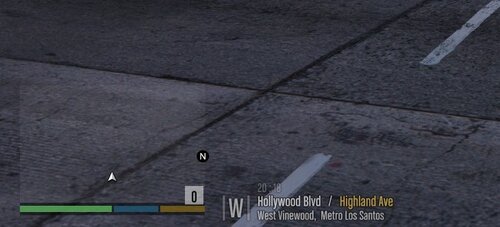 I know you’ve been doing street name for this mod, but I got a good idea, it will be cool if you change the name of the Alamo Sea to the Salton Sea
 -
 Hey just wanna let you know that I might use your 2019 Dodge Charger in this pack to create a texture for it, if that’s fine with you I’ll make sure to credit you in the description.
- 111 comments
- 11 reviews
.thumb.png.7c30e86e78160a819dff88b57f818451.png)
