
BurleonCop
Members
-
Joined
-
Last visited
Everything posted by BurleonCop
-
So my issue is as follows: I found a nice car pack but sadly its fiveM ready, I managed to convert it to SP, they spawn fine, I made them add-on through dlc.rpf and all that jive. However a big problem is with sirens! they are tied to "extras" "extra 3, 4 and 6" and I edited vehicles.meta carcols, carvariations, tried with chatgpt all sorts of weird combos and I cannot get extra 3 4 and 6 to hardcode spawn. They spawn randomly making the siren lightning not work properly and I have to manually enable them via simple trainer. How do I hard code in vehicles.meta or carvariations.meta so that extras 3 5 and 6 spawn each time?
-
LCPP LSPDFR needs to be a reality, please modders make some callouts for LCPP and back-up that shows up with LCPD EUP and LCPD cars, it would be chef kiss perfect.
-
 Your title is incorrect, it should be ELS and FiveM Addon, I don't see any downloadable non-els version unless you mean to tell me the fiveM version is the non-els in which case good joke, nobody got time to convert fivem to SP fuck that, release standalone non-els like a normal man.
 -
 After installing LSPDFR Enhanced and uninstalling it and reinstalling this plugin serveral times, this is broken, always crashes LSPDFR.
- 52 comments
- 5 reviews
-
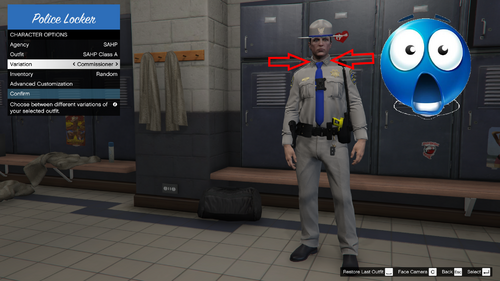 You mean basic patrol officers? Police Officer II, III+1, Deputy Bonus II? yes there are there I just didn't mention them since basic EUP 9.10 provides them, but yes they are there and configured properly! stay tuned I will soon update this and add "service stripes" for class A and class B since I forgot about them
- 9 comments
- 1 review
-
I don't know about you guys but my EUP 9.10 came with broken outfits_eup.xml's that displayed rank incorrectly and kept showing FIB collar patches instead so I decided upon myself to fix this and add all the ranks of the respective agencies you can now patrol as the Sheriff of LSSD,if you want, now with the correct collar star pins and the LSSD 5 star sheriff badge. All ranks are the real ones from Wikipedia with their correct badges and collar or sleeve patches depending on rank, regular EUP stops at Lieutenant, I added all the ranks, they are as follows: (( UPDATED WITH SLEEVE RANKS FOR CLASS A AND CLASS B with accurate service of years )) LSPD Officer III Officer III+1 Sergeant I Sergeant II Lieutenant Captain Commander Deputy Chief Assistant Chief Chief LSSD Deputy Deputy Bonus I Deputy Bonus II Sergeant Lieutenant Captain Area Commander Division Chief Assistant Sheriff Undersheriff Sheriff SAHP Officer Sergeant Lieutenant Captain Assistant Chief Chief Assistant Commissioner Deputy Commissioner Commissioner BCSO Deputy Senior Deputy Sergeant Captain Commander Assistant Sheriff Undersheriff Sheriff This also comes with a agency_eupfr and agency_addons which allow you to spawn at the station garage the add-on cars, no more immersion breaking spawning add-on cars with Simple Trainer! The add-on cars are in the read.me of the zip file and they are all lore friendly and fit the wannabe California vibe San Andreas has. This mod also fixes duty_selection_eupfr from EUP 9.10 as it incorrectly duplicated Rockford Hills twice making it impossible to spawn Del Perro cars, worry not I got you. Since federal agencies like IAA, FIB and DOA lack cars so I decided to add unmarked cars from other agencies like BCSO, Rockford, LSSD etc as they fit in the vibe and makes sense for such federal agencies to have cars like those. In the future I will plan to: Fix the ranks for female EUP's Make a vanilla car variant with the GTA Online cop cars that were added, they have plenty of liveries that would fit the lore.
- 9 comments
- 1 review
-
-

- 2
-
-
-
 Hey for the "default vehicles" can you make it so it uses the new police vehicles from GTA Online? instead of only "police1" "police2" and "police3"? they have tons of liveries that fit in for like SAHP or airport police etc. Default LSPDFR uses them. Please? thanks.
- 368 comments
- 17 reviews
-
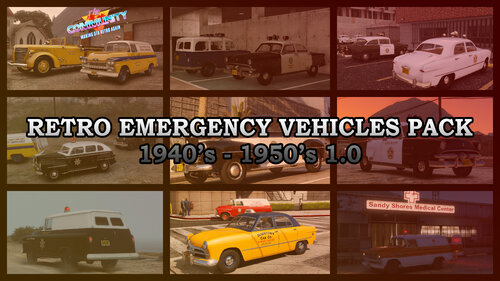 So sad this is "add-on" I dont understand dumb "add-on" kids, if I play this I want to immerse myself, play with a mod that changes all traffic cars to old 40-60s cars and makes everything much easier for vanilla replaced cars to spawn instead of this "add-on" garbage, please make a replacement version...much, much easier.
 -
-
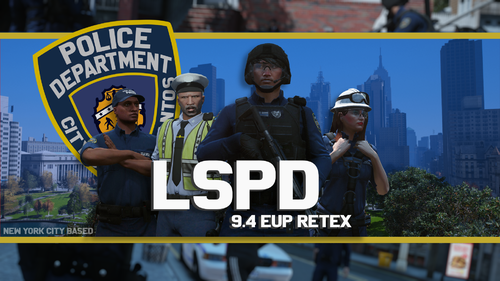 Woulda been cooler if you made it LCPD, even yourself put the city of LC in your photos. Why in the hell would you want a NY inspired uniform in a L.A. setting? dumb take imo
 -
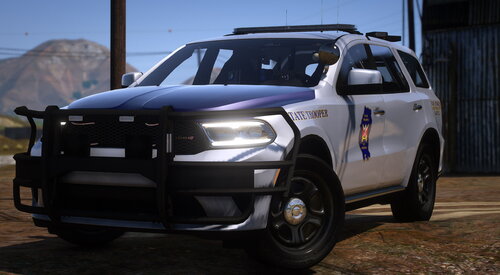 Man you gotta make this NON-ELS FiveM ready! That'd make this mod even more so the BOMB.
- 72 comments
- 11 reviews
-
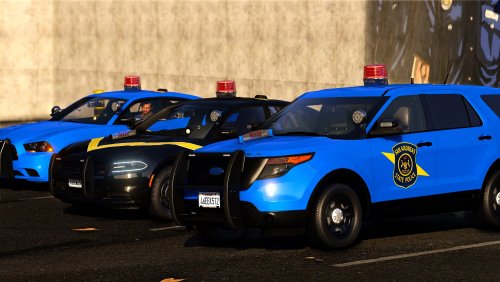 Omg thank you 🙂 you should add pics of it too and the title is confusing make sure you put non ELS version in the title as well so ppl know 😛
- 34 comments
- 3 reviews
-
-
- 1
-
-
-
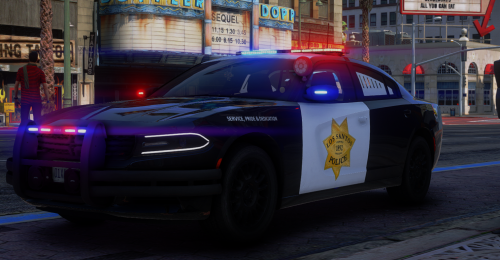 Please make a full pack? the badge is too awesome to give this one up.
 -
-
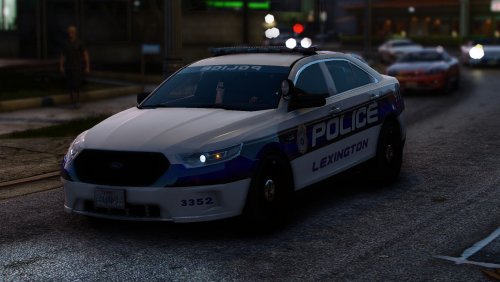 Lore friendly please?
 -
-
 Classic LSPDFR...posts the greatest stuff ever and then just dies and forgets about releasing the pack...GG.
 -
-
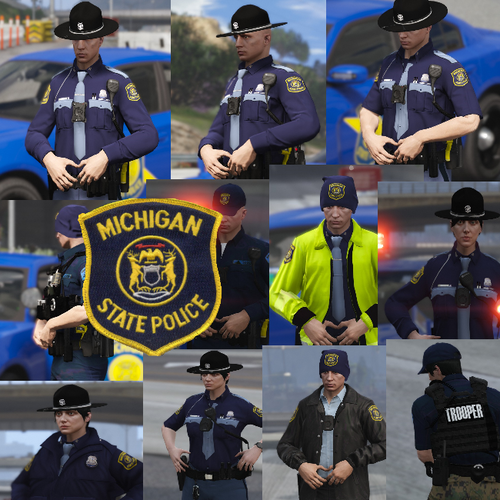 They don't use campaign hats anymore btw...they moved back to the formal hats.
- 25 comments
- 2 reviews
-
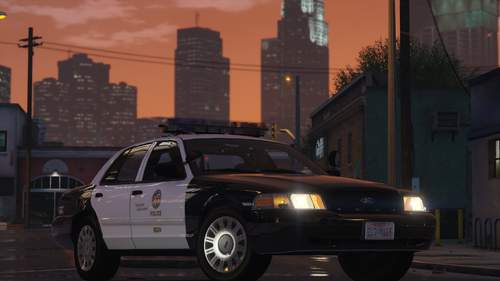 Love the steelies one, would be nice if you did a lore friendly version, those are more prefered.
- 48 comments
- 11 reviews
-
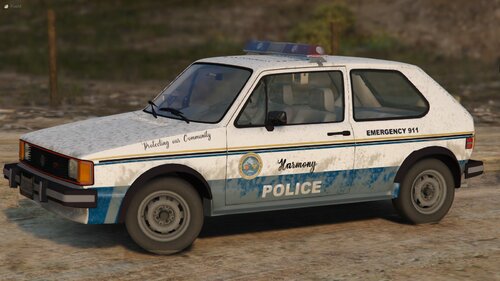 Another unusual police car that was used to patrol in the 70s and 80s were unmarked Volvo's, no joke look it up, would be cool if you did it. And in 1990 CHP tried to adopt the Toyota Camry, take those as future project ideas if you want.
 -
-
-
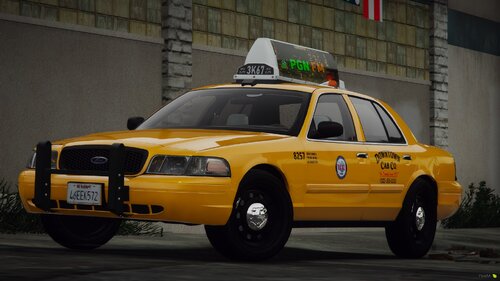 Lovely! Going straight into my game, love the pushbar and the NYC yellow style 🤙🤙 but it would be nice if you did without the billboard siren thingy as it makes traffic pull over as if you were a cop, please do a version with it disabled.
- 22 comments
- 1 review