


russwoot
Members
-
Joined
-
Last visited
Everything posted by russwoot
-
not 100% sure.
-
So it worked.
-
I have not been able to play since the update. I have updated lspdfr, rage and script hook v and all my mods but still crashing. here is my log. RagePluginHook.log
-
So I figured out what was causing my issues it was a vehicle mod in my Sheriff2 spot
-
Will do.
-
It did work.
-
here is the log RagePluginHook.log
-
RagePluginHook.log RagePluginHook.logThis is from just now. it worked then it paused and then it did not work.
-
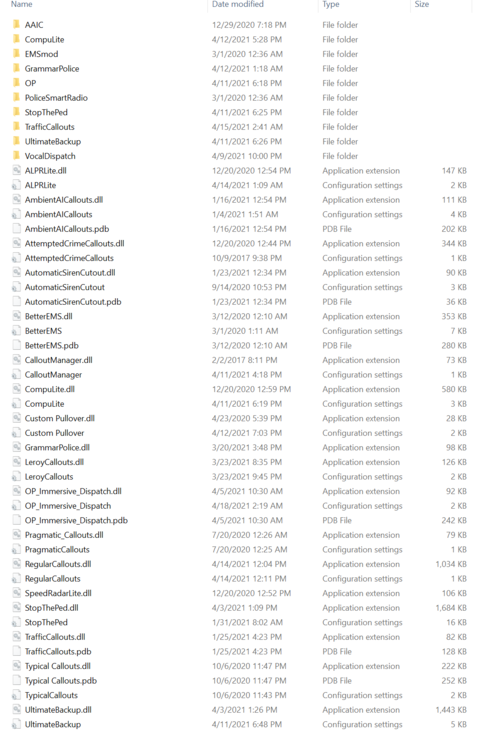
So it worked. here is the log. no i guess i have to find out what plugin is the problem. here is the plugin folder. RagePluginHook_21042021_001037.log
-
Having an issue with not being able to pull people over or use the menu. Here is my log. RagePluginHook_20042021_212048.log Having a hard time trying to nail down the problem.
