



CyrusLSPDFR
Members
-
Joined
-
Last visited
Everything posted by CyrusLSPDFR
-
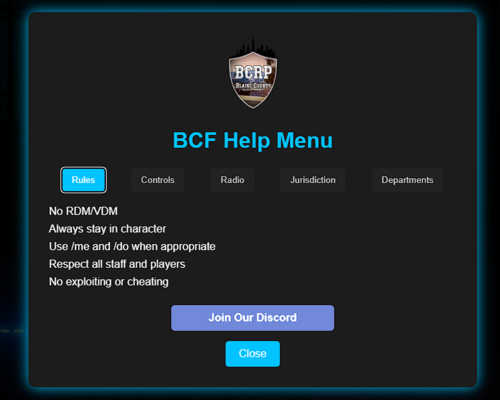 FIVEM HELP MENU -- BCFHELP Figured I would release this to the public. Originally I made it for my server. Fully customizable FiveM help menu for any server! Everything is customizable within the "index.html" file. Replace the logo with your logo if you feel to do so. READ THIS: IN ORDER TO CHANGE THE COMMAND GO INTO "CLIENT.LUA" AND CHANGE THE FOLLOWING LINE TO YOUR COMMAND -- RegisterCommand("changeme", function() -- By default it will be "bcfhelp." Support is offered for this script. IN ORDER TO INSTALL THE RESOURCE JUST DRAG AND DROP INTO YOUR RESOURCES FOLDER. THEN ENSURE THE FOLDER Enjoy 🙂 -- DELETE DESKTOP.INI FILE -- IDK WHY IT ADDED IT WHEN I WIN RARED IT.
 -
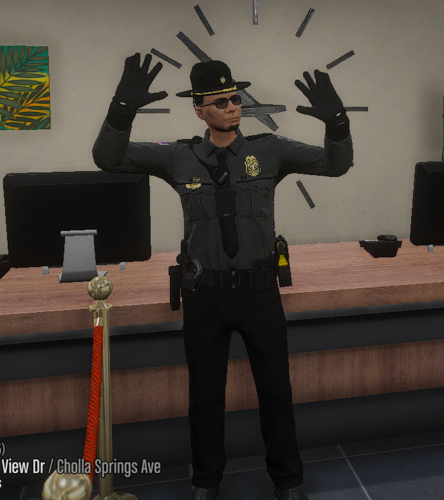 Now introducing yet another Hands Up Script: Hands Up Made Simple Pretty much like all other hands up scripts but its not a simple keybind or longish text chat command. Rather its just "/h" to put your hands up and down. READ ME: Pretty simple hands up script. In order to install drag and drop it into your resource folder and boom your done. Don't forget to ensure it though then it might not be so simple. "/h" will put your hands up and down.
 -
Would it work with this?
-
-
 Anyone have any pictures of this in game working?
 -
-
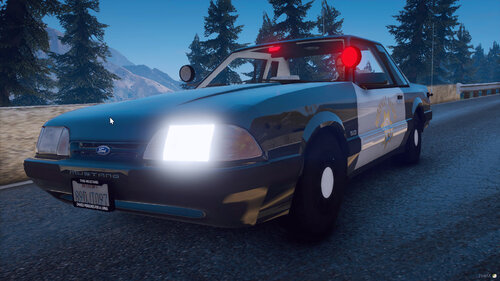 When using the pack with vmenu on my test fivem server the vehicles won't load when using the spawn codes.
- 93 comments
- 3 reviews
-
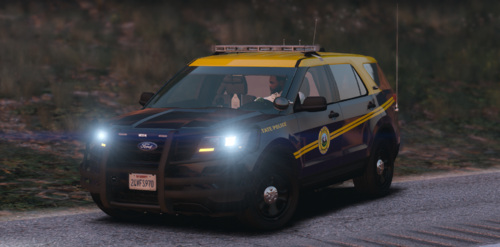 Good afternoon. Do I have your permission to use these vehicles in a 5m server? I’ll finish the liveries myself just need to know if I can use the cad models.
 -
Good afternoon. Do I have your written permission to use these skin liveries in a 5m server? If not that is completely fine.
- 14 comments
- 3 reviews
-
Yes, as a addon vehicle.
-
 Do I have your permission to use this as my profile picture on discord?
 -
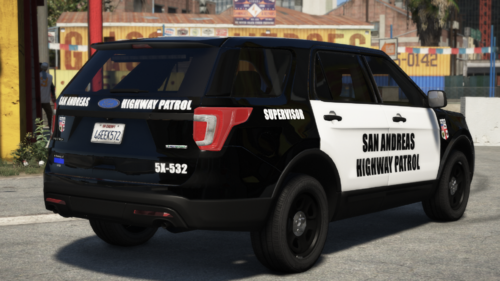 Do you personally have the vehicle livery template with nothing on it?
 -
-
-
-
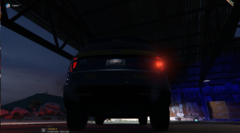
From the album: State Patrol Liveries(Made by me)
© Galactic Modifications
-
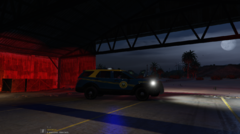
From the album: State Patrol Liveries(Made by me)
© Galactic Modifications
-
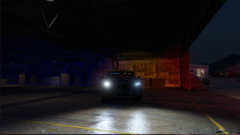
From the album: State Patrol Liveries(Made by me)
© Galactic Modifications
-
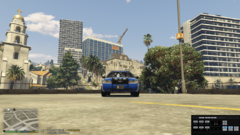
From the album: State Patrol Liveries(Made by me)
© Galactic Modifications
-
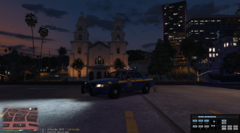
From the album: State Patrol Liveries(Made by me)
© Galactic Modifications
-
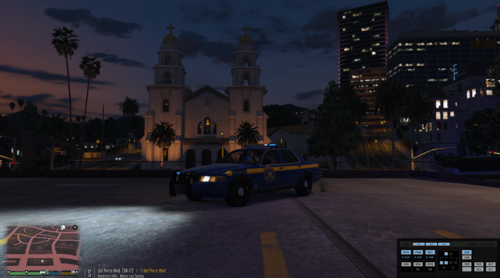 Thank you for downloading the Vehicle Livery! Installation: Extract the .jpg file into your desktop >Open - OPENIV > Edit Mode > mods > update > x64 > dlcpacks > patchday24ng(or the one you have your vehicles in) > dlc.rpf > x64 > levelx > gta5 > vehicles.rpf > (now find the CVPI you are putting it on.) > open the .ytd of that explorer > search - sign > replace > now find the livery your desktop and select it> save! You have now downloaded the custom livery! Explorer used in pictures are linked on lspdfr page. Discord Server: Galactic Modifications Galactic Modifications
 -
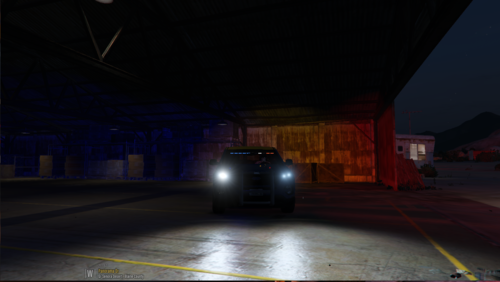 This one fully works!
 -
Fixed version coming here very soon.
-
Thank you for downloading this custom vehicle texture! Please keep in mind it is my second one I have every made! I will be improving the quality down the line as I learn more and more about skin deving. Installation: Extract the .jpg file into your desktop >Open - OPENIV > Edit Mode > mods > update > x64 > dlcpacks > patchday24ng(or the one you have your vehicles in) > dlc.rpf > x64 > levelx > gta5 > vehicles.rpf > (now find the explorer you are putting it on.) > open the .ytd of that explorer > search - sign > replace > now find the livery your desktop and select it> save! You have now downloaded the custom livery! Explorer used in pictures are linked on the credit lspdfr page. For more help contact me on discord: Cyrus ⸕#0550 Cyrus Modifications
-
.thumb.png.8ef7520b73c03f8205a55788a8f8d436.png) Thank you for downloading this custom vehicle texture! Please keep in mind it is my first one I have every made! I will be improving the quality down the line as I learn more and more about skin deving. Installation: Drag the .jpg onto desktop > Open - OPENIV > Edit Mode > mods > update > x64 > dlcpacks > patchday24ng(or the one you have your vehicles in) > dlc.rpf > x64 > levelx > gta5 > vehicles.rpf > (now find the explorer you are putting it on.) > open the .ytd of that explorer > search - sign > replace > now find the livery in the .rar file you downloaded and select it > save! You have now downloaded the custom livery! Explorer used in pictures are linked on lspdfr page. If needed for more help on installing it please dm me on discord : Cyrus ⸕#0550
Thank you for downloading this custom vehicle texture! Please keep in mind it is my first one I have every made! I will be improving the quality down the line as I learn more and more about skin deving. Installation: Drag the .jpg onto desktop > Open - OPENIV > Edit Mode > mods > update > x64 > dlcpacks > patchday24ng(or the one you have your vehicles in) > dlc.rpf > x64 > levelx > gta5 > vehicles.rpf > (now find the explorer you are putting it on.) > open the .ytd of that explorer > search - sign > replace > now find the livery in the .rar file you downloaded and select it > save! You have now downloaded the custom livery! Explorer used in pictures are linked on lspdfr page. If needed for more help on installing it please dm me on discord : Cyrus ⸕#0550


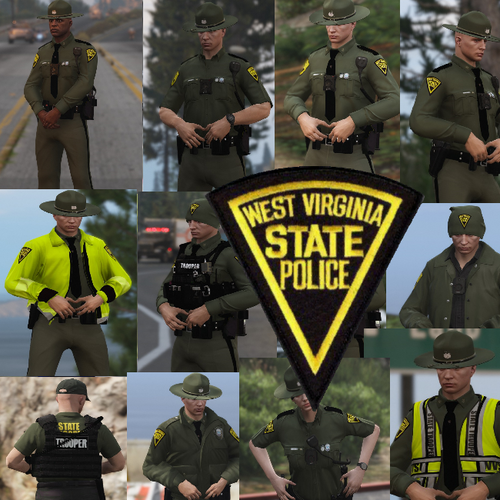

.thumb.png.8ef7520b73c03f8205a55788a8f8d436.png)