


dizzychuuu
Members
-
Joined
-
Last visited
Everything posted by dizzychuuu
-
.png.ebbf1fa9694b25a4598cf72ac9e6c643.png) Thanks! I'm using the SuperCallouts pack for this, it includes a couple of raid-type callouts, and they're pretty neat.
Thanks! I'm using the SuperCallouts pack for this, it includes a couple of raid-type callouts, and they're pretty neat. -
From the album: Random GTAV LSPDFR pic dump
-
just some random pics i like taking while playing LSPDFR.
-
.png.87f59e89975cc60346c59ff73017ad0c.png)
From the album: Random GTAV LSPDFR pic dump
-
.png.53f025b1ec27dbc90d4b6d3154d93404.png)
From the album: Random GTAV LSPDFR pic dump
-
 No worries, I had already solved it, I placed the files in the wrong folder xD But I have other questions though, I had just finished a cop shootout callout, both suspects were dead and I searched their bodies, called the coroner, searched their vehicle, and called a tow truck to take it away however, the callout still didn't end and the 2 cops that asked for help are just standing still. Did I do anything wrong? Or is this really just how it's supposed to go? Thanks!
- 1,024 comments
- 63 reviews
-
Hey there, this callout pack seems really well made but I couldn't play it. My game crashed while loading this. I made sure to install all prerequisites and put them in the correct folder. I got the game to work again but without this plugin.
- 1,024 comments
- 63 reviews
-
Hey there, thanks so much for replying. I've already fixed it, I loaded GTA V without ragepluginhook and LSPDFR, and switched to Michael. He actually really spawned in my apartment but automatically teleported back to his mansion. I switched to Franklin just to make sure that everything's fine. I guess it happened because I quick saved the game on my first LSPDFR session (I realized there wasn't any point in saving though) Anyways, thanks so much!
-
Hey there, I don't know if you've figured it out already, but I've just experienced it right now. What I did was just reset myself by teleporting to the nearest police station. It's not the best solution imo but it solved the problem for me. Cheers!
-
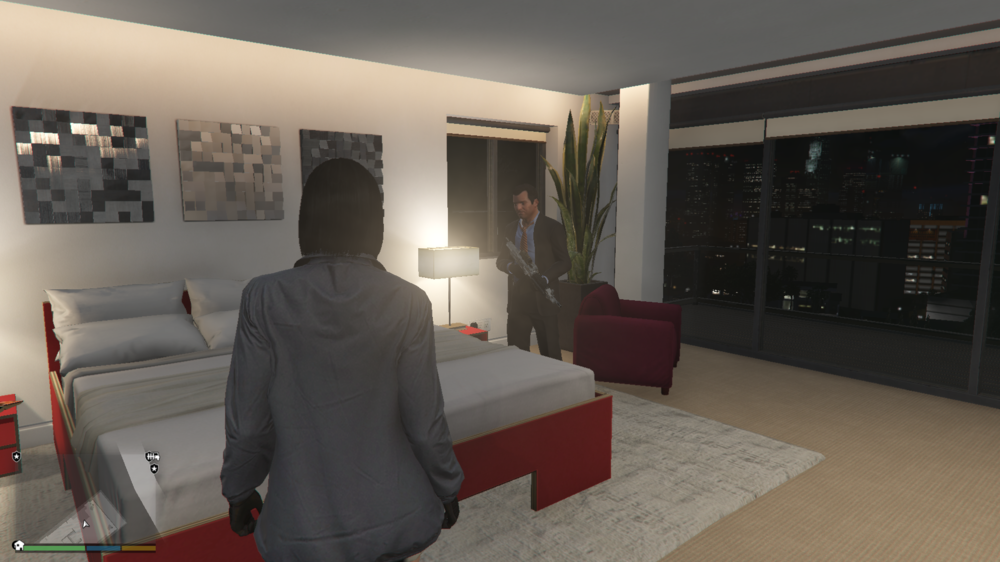
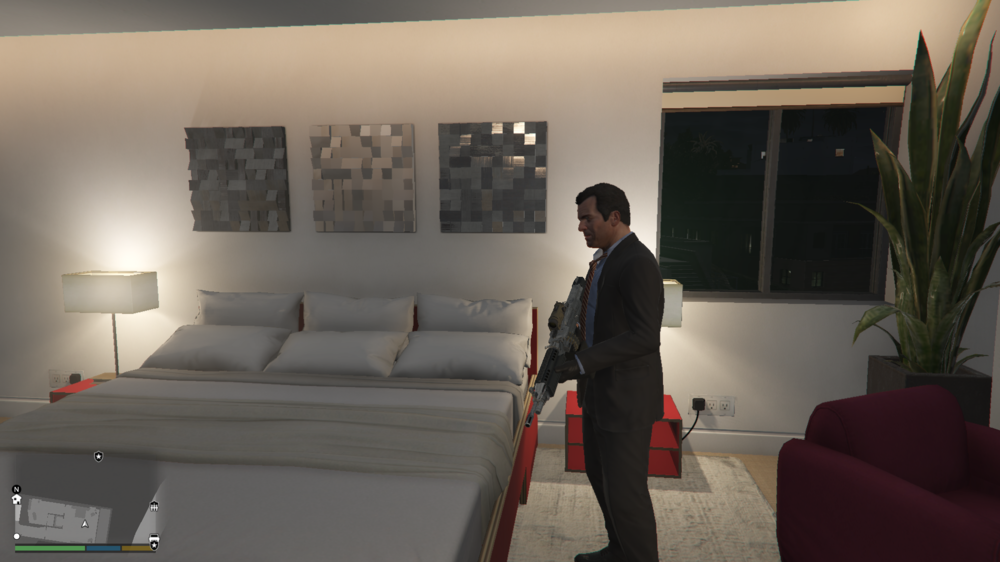
I know it sounds funny, but upon opening GTA V today, I spawned in Michael's mansion, then I got teleported to a random location before finally spawning my character on-duty in a cop car near a station. When I came back to my apartment, I found Michael in my safehouse, and when I tried to push him, he drew a machine gun and started shooting me. Does anybody know how this happened, and how I can (hopefully) remove him? It's a minor inconvenience but it's sure creepy to have Michael just standing beside your bed. If it helps, I have GTA V to the latest version (1.54), and PC Trainer V installed. (I originally posted this in GTA V support and only realized now that it was wrong, so I apologize for that and instead reposting it here.)
-
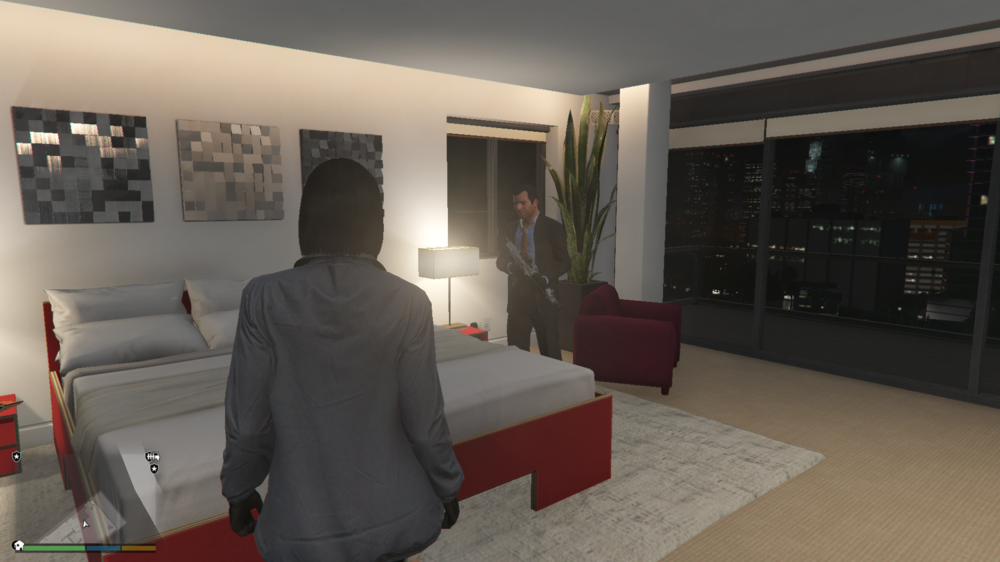
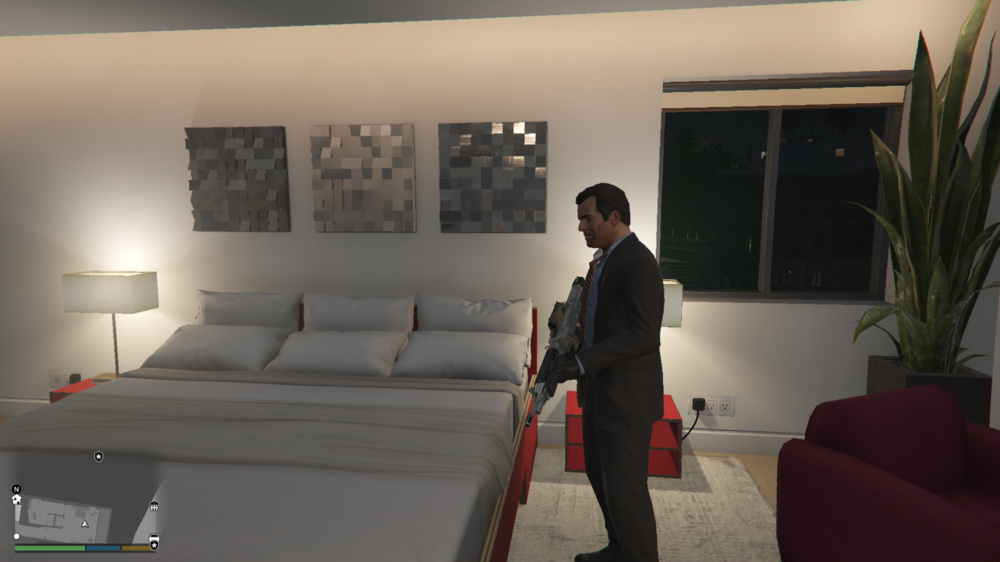
I know it sounds funny, but upon opening GTA V today, I spawned in Michael's mansion, then I got teleported to a random location before finally spawning my character on-duty in a cop car near a station. When I came back to my apartment, I found Michael in my safehouse, and when I tried to push him, he drew a machine gun and started shooting me. Does anybody know how this happened, and how I can (hopefully) remove him? It's a minor inconvenience but it's sure creepy to have Michael just standing beside your bed. If it helps, I have GTA V to the latest version (1.54), and PC Trainer V installed.

.png.ebbf1fa9694b25a4598cf72ac9e6c643.png)

.png.87f59e89975cc60346c59ff73017ad0c.png)
.png.53f025b1ec27dbc90d4b6d3154d93404.png)



