


BFDIfan101
Members
-
Joined
-
Last visited
Everything posted by BFDIfan101
-
well, i realized i hadn't installed them properly. i only installed the _hi files and not the actual files, not sure if this'll fix your problem but that's how i fixed mine.
-
figured it out, i'm dumb, sorry
-
I'm new to installing custom vehicles and I'm not sure how to spawn specific vehicles, usually those ending in _hi. How do I spawn them? I can't find them in a trainer or in the RAGE Plugin Hook Console.
-
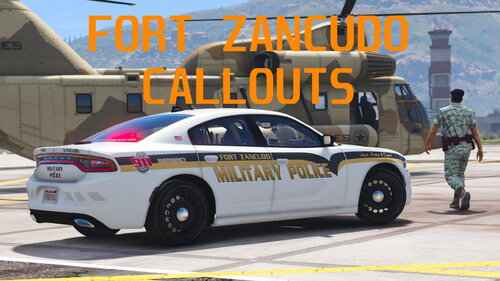 I try to go on duty but when Fort Zancudo Callouts are loaded, I get this error message and then LSPDFR crashes: LSPD First Response: FORTZANCUDOCALLOUTS: Error while checking Fort Zancudo Callouts for updates. How do I fix this?
