Flojsyk
Members
-
Joined
-
Last visited
Everything posted by Flojsyk
-
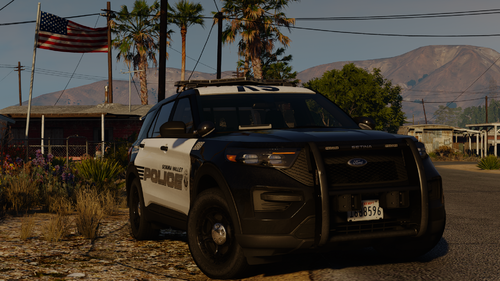 I hate to ask, but what graphic mod is used in the screenshots please? Thank you in advance.
 -
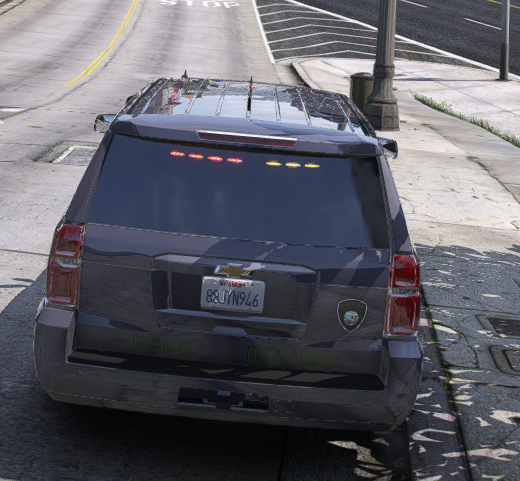
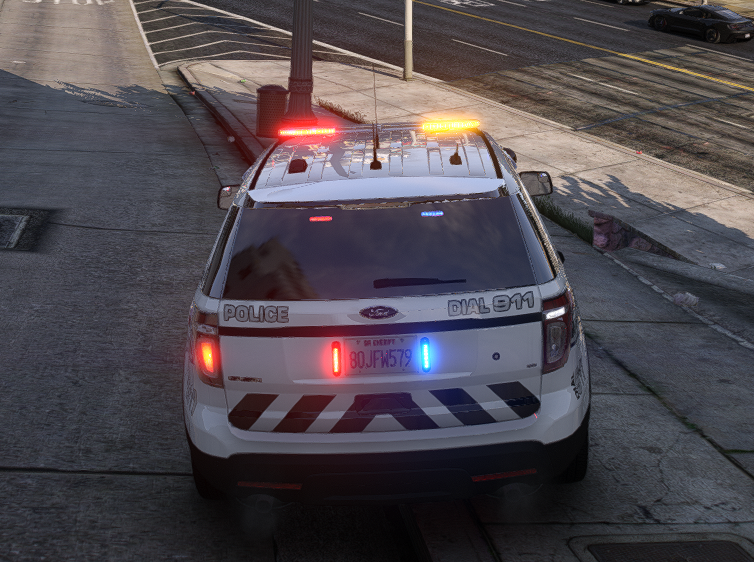
Hi. First of all, i hope this is the correct forum for this topic and question since its my first activity on this forum. If not, Im sorry. My question is about lights in game. Im using QuantV graphic mod, but ive seen this problem already with NVE. As shown on the image, the lights behind glass are "dim" the light is being muted. Is there any possible fix for that? I guess this has to do something with textures, tint, but it also doesnt appear on every car addon i had QuantV light setting is already quite high and i dont really want to make them higher, otherwise i'd go blind. Thanks in advance