traumsoldier
Members
-
Joined
-
Last visited
Everything posted by traumsoldier
-
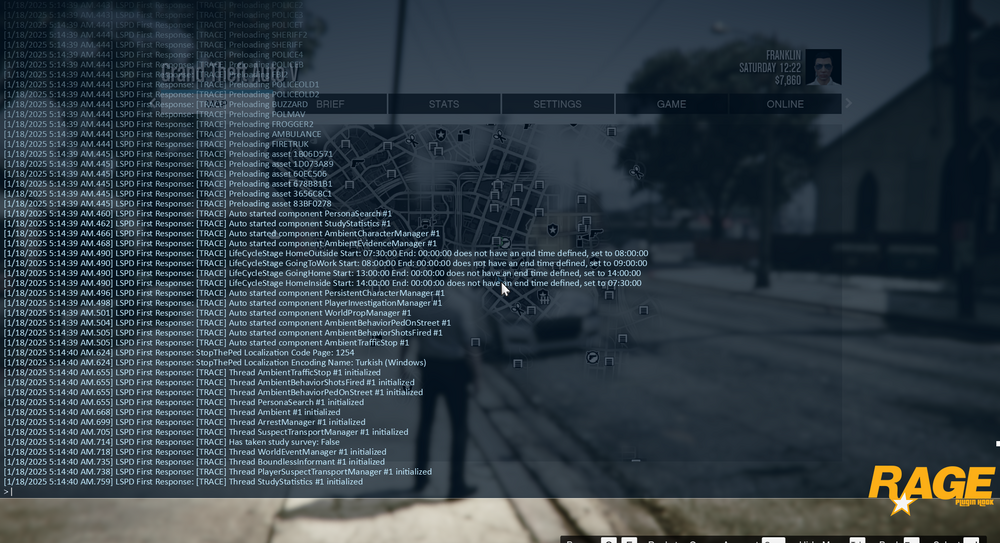
I guess I did something but it isnt worked I removed every plugin and reload stop the ped with only stop the ped its not crashing but when I tried to others like ultimate backup it is crashing
-
I guess I did something but it isnt worked
-
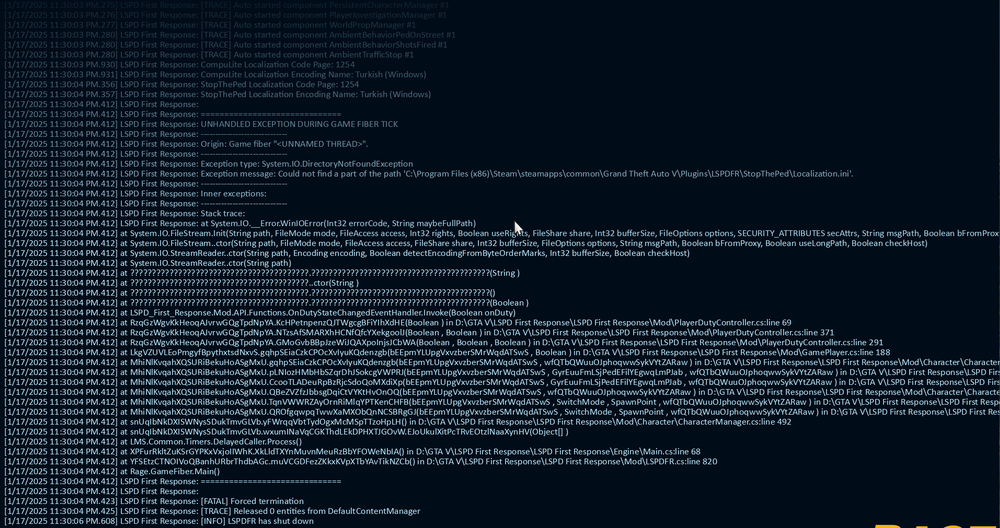
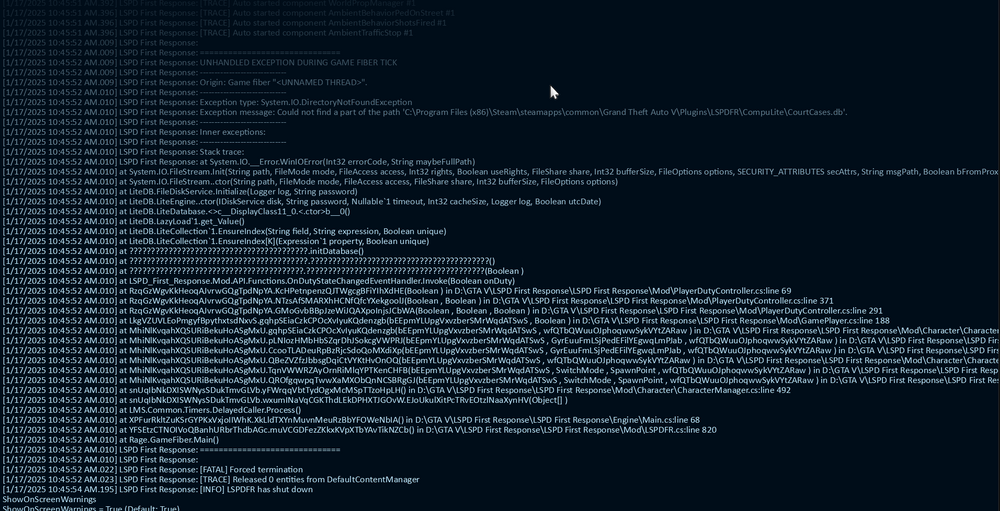
it is keep crashing and I dont know how can I get the text for crash
-
I don't know much about these things, as you said, I ran file checker, it created 3 different log files, what should I do now?
-
it didnt help
-
Hi First of all, I researched the problem, people who had similar problems solved it by updating the rage plugin hook, so I updated it to PluginTimeoutThreshold=60000, but the problem is not solved, please help crash.txt
-
Hi when i try to play lspdfr i am getting this crash after the loading screen. "The game has crashed. This may be due to a bug in the game itself, in Rage Plugin hook, in a plugin, or some outside issue like bad anti-virus, or graphics driver, ect." I searched a lot for the solution of the problem but I couldn't find it please help