



OddCanadian
Members
-
Joined
-
Last visited
Everything posted by OddCanadian
-
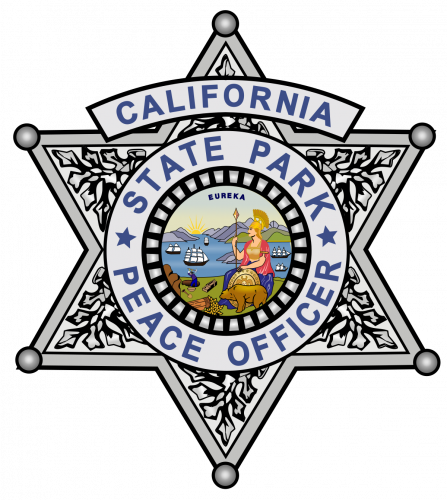 California skins are okay, but the NPS liveries are just NPS logos placed over the SASP stars, it's still 3 lines instead of one big line and the stripe still has the cut out from where the star was.
 -
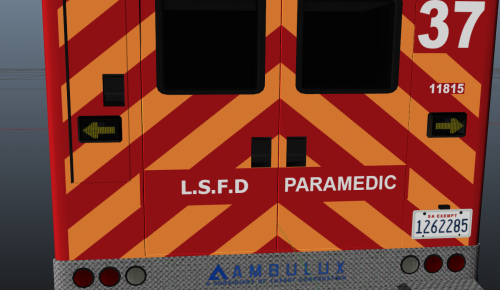 I needed the model for another livery, so I am glad there is such a high quality lore friendly replacement for the others!

