


CodingColaJr
Members
-
Joined
-
Last visited
Everything posted by CodingColaJr
-
-
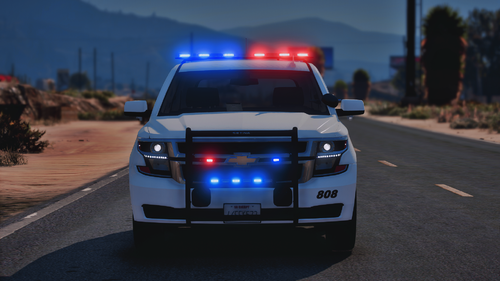 I just downloaded this pack and when I spawn the fbi vehicles in the only lights that work are the tail lights. I did check that the els lines were put in under the els folder and pack default.
- 58 comments
- 4 reviews
-
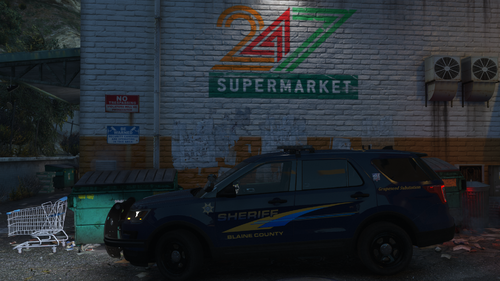 After I installed this rage plugin crashes saying there may be an error or bug in the game, rage plugin itself, or somewhere else. I know its due to this pack because I can delete the line in the dlc.xml list and it runs fine without the vehicle.
- 7 comments
- 1 review
-
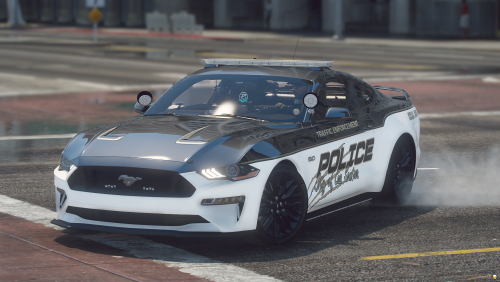 I was able to get everything installed except for I couldn't find the els line to add it as a els vehicle. It drives fine just the els lights don't work
- 19 comments
- 10 reviews
