


ImaNick
Members
-
Joined
-
Last visited
Everything posted by ImaNick
-
 Just wanted to let you know for some reason the pack doesn't work with grammar police/Immersive Dispatch. But it sounds cool and I can't wait to try it.
- 191 comments
- 7 reviews
-
-

- 1
-
-
Before the other method didn't work but now it does. Thank you very much I am so happy to now use lspdfr again.
-
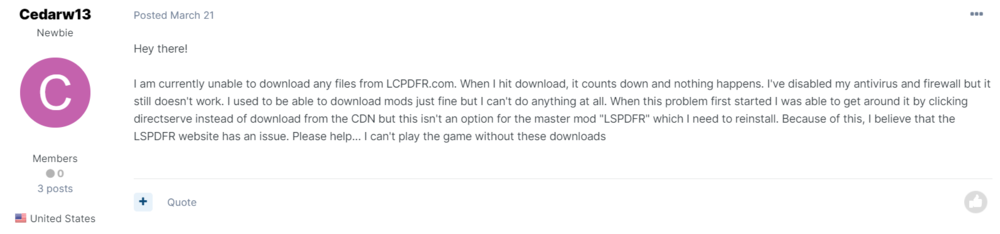
My bad I didn't know and thank you, do you know how long till I get help? I was checking the area and ima having the same problems as this person.
-
Every time I attempt installing lspdfr the download does not begin. I also try "the click here if not downloading" it didn't work also. What else can I do?
