tysongamer678
Members
-
Joined
-
Last visited
Everything posted by tysongamer678
-
-
That didn't worked😔 If you are tired of this you can leave because I don't think it will be fixed and thanks for you effort
-
-
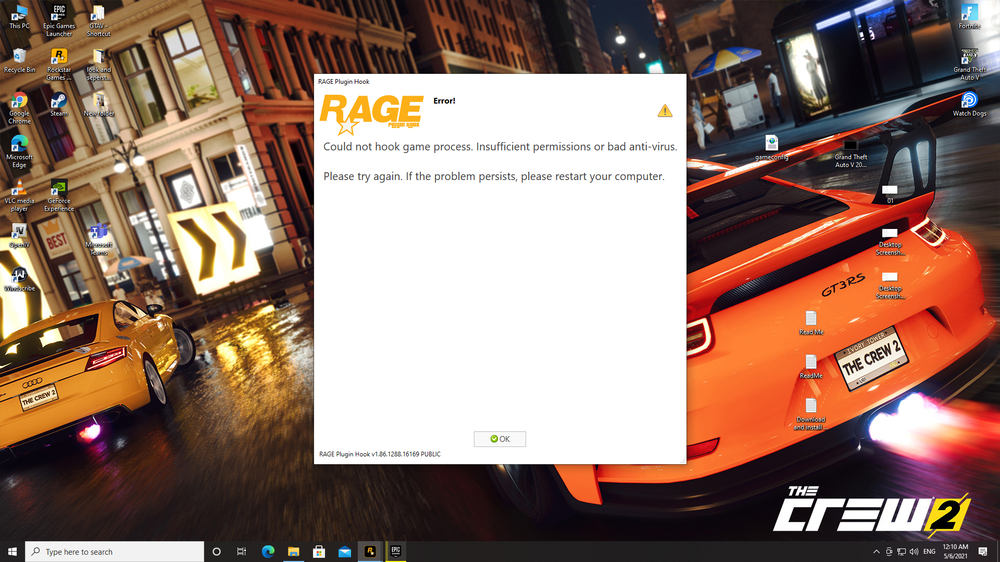
didn't worked out A screenshot of the error message from rage Script hook V, Script hook V.net, nativeUI, Pack file limit adjuster, heap adjuster and latest gameconfig is enough right? or I do need something else
-
alright
-
RagePluginHook.log Tried 2 more times unfortunately it crashed so thought of sending the latest log file
-
RagePluginHook.log Here
-
the game crashed immediately after loading LSPDFR
-
hopefully
-
After you told me to tick the no plugins to load on startup in rage settings I tried to load rage during the loading screen and load rage and gta v together but didn't try loading rage after the game is completely loaded and rage did loaded but to make sure it will work I closed the game and tried a second time its the black screen again but I think rage is loaded because if you press F4 to open the console the game pauses and I was holding W + SHIFT to make Franklin run so the footsteps are louder immediately after pressing F4 footsteps stopped so maybe rage is loaded but the black screen the problem Is there anyway I can sent you a video of the problem as lspdfr wont let me send it here
-
Nope I meant that the story mode loaded not rage
-
It load perfectly
-
If I ALT + TAB out to load rage and then switch back to GTA V its a black screen also do I have to ALT + TAB out during the loading screens or after the game is fully loaded (when I can actually control) either way I have tried both of them I forgot to mention the black screen happens if I ALT + TAB out while GTA V loads
-
doing it right now unfortunately same thing again display is black but I can hear players footsteps when I press W key can also hear the NPCs voice but can't see anything
-
here they are and they are not in a serial order
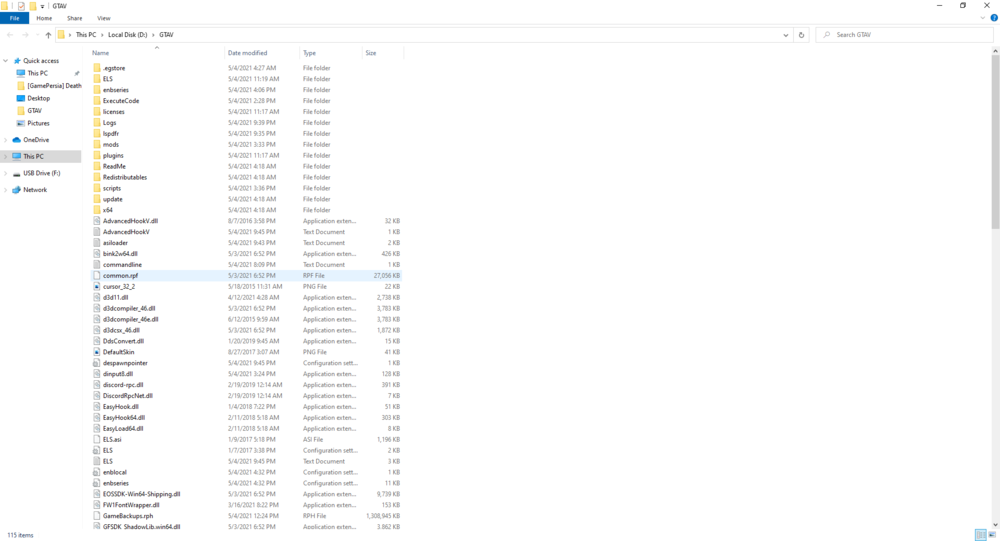
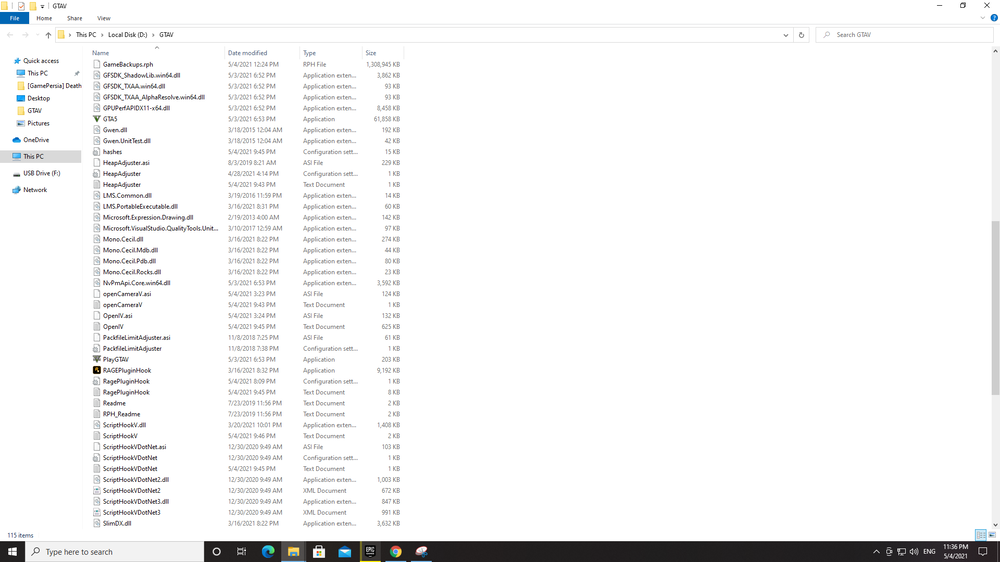
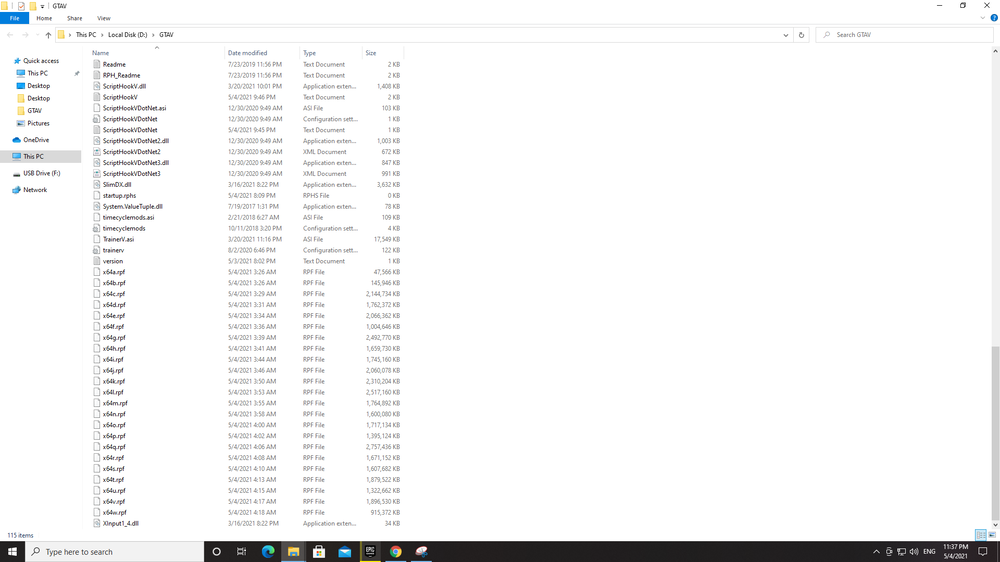
-
RagePluginHook.log here you go BTW it did launched once successfully but it crashed after a few minutes and now if I try that the game will be running but the display will be completely black and don't even know if rage is even launched
-
BTW I have GTA V via Epic Games as some youtubers say modding/fixing is not same for steam and epic games version
-
The reinstallation didn't worked and also I had made the GTAV folder an exception to your antivirus & Windows Defender then try try launching rage after loading the story mode but the game closes without any error message
-
thanks
-
I got the fix from google which is to reset the pc and it uninstall everything except personal file (videos/pic/screenshot) now I have to reinstall GTA V I'll see if the problem continues after the reinstallation as sometimes reinstallation works
-
then this
-
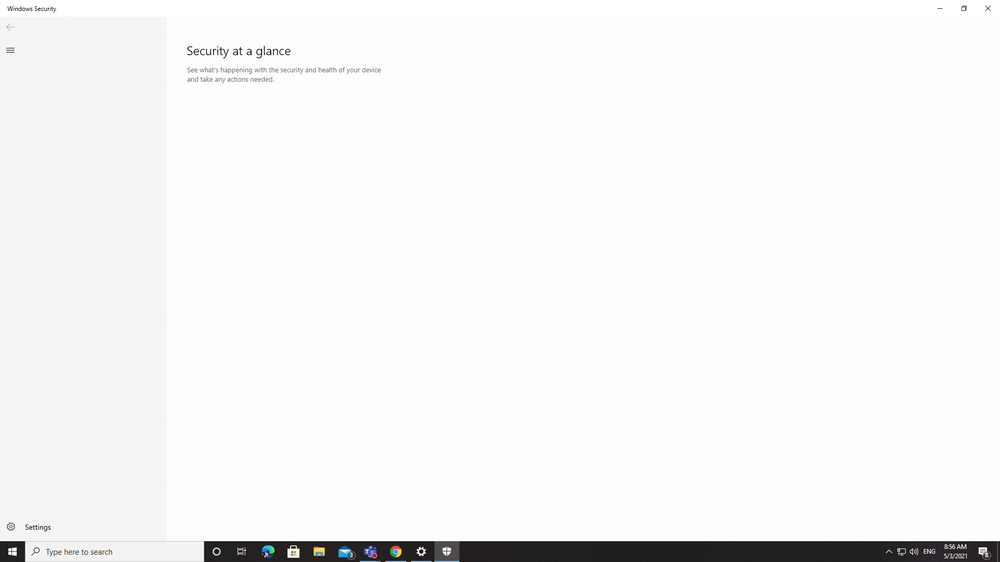
of the empty tab? if yes here it is
-
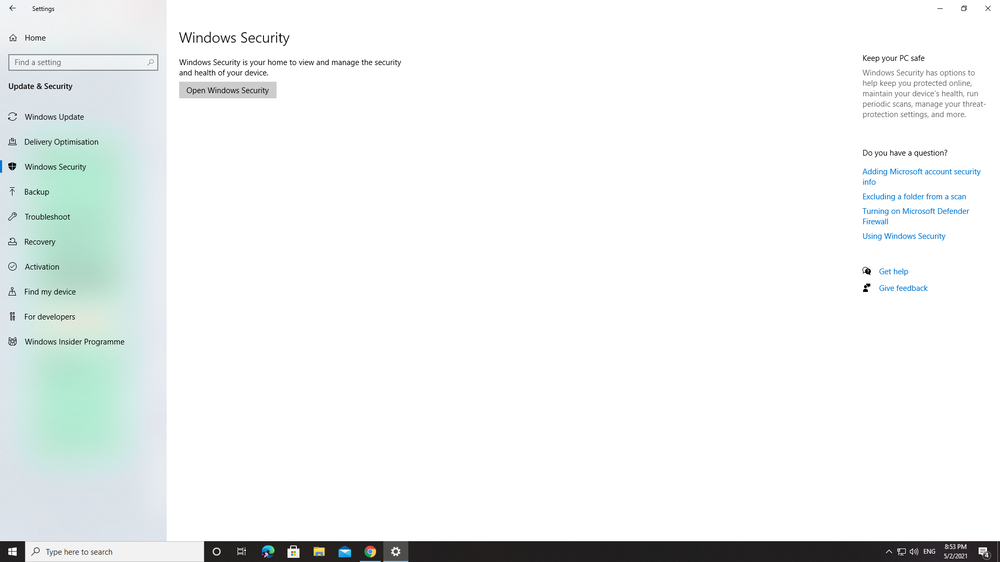
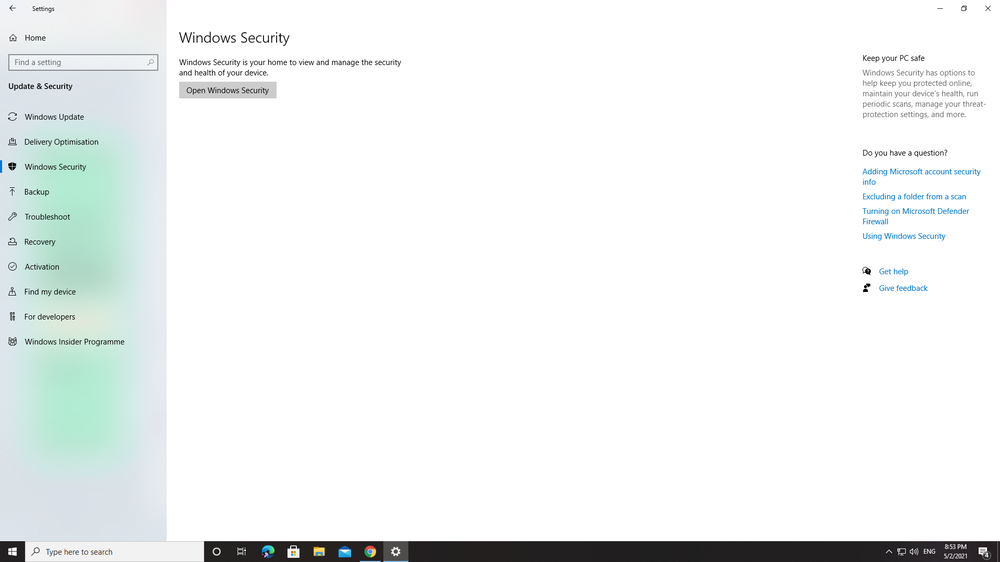
The windows security tab is blank I can't follow the next steps I'll try to fix it a bit latter
-
yes In YouTube it showed go there to make gta folder an exception
-
anyother way coz my windows security tab is completely blank