Tuberman06
Members
-
Joined
-
Last visited
Everything posted by Tuberman06
-
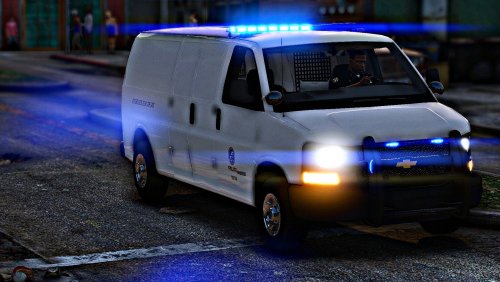 Looks great, only things is that when driving the suspects away their arms glitch trough the car. But else it's a really cool car thx.
 -
Unfortunatly i have the same problem and can't seem to figure it out
-
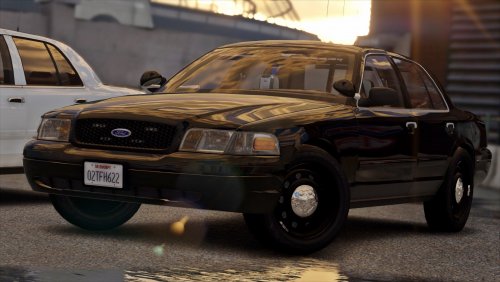 Rename the xml file to the car you want to use. If u want to use both drop one and rename and drop the other.
- 30 comments
- 10 reviews
-
Update: The problem seems to be starting when nearing a callout scene. Latest log: RagePluginHook.log
-
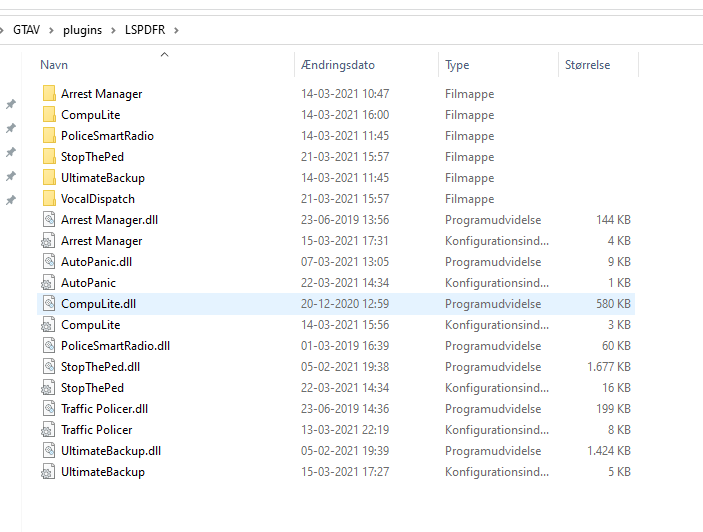
After i installed new cars my game crashes after ten or so minutes of patrol. I don't know why. I have 6 plugins all up to date and made by Bejiojo. The cars i installed is the [ELS] Legacy | San Andreas State Police | Car Pack 2.2 Link: My log: RagePluginHook.log
-
When i played with those folders deleted i couldn't see the suspect
-
Im using this gameconfig https://da.gta5-mods.com/misc/gta-5-gameconfig-300-cars
-
Forgot to quote
-
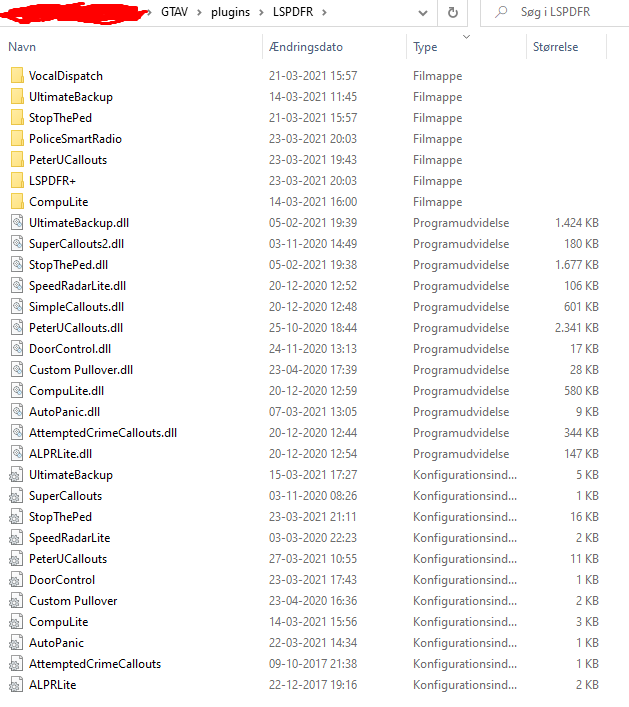
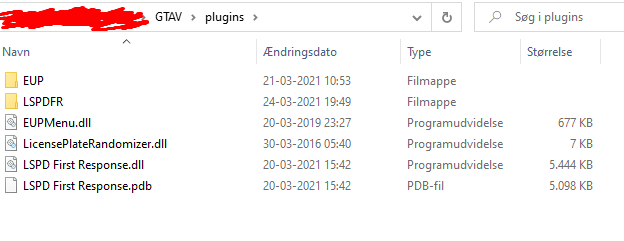
I just when on patrol and responded to a call. Then all of the sudden my game just crashed. RagePluginHook.log
-
It worked! Thx alot mate.
-
I will try that. Thx for the quick answer.
-
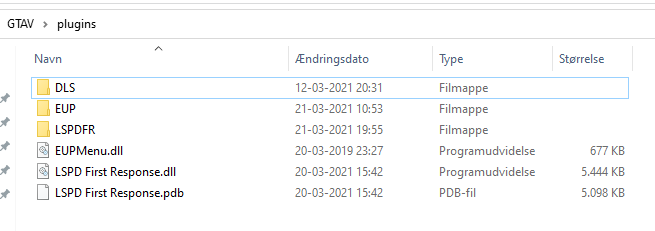
I just went on patrol and got a callout and right when i accepted it my game crashed. I have custom vehicles with gameconfig, Packfilelimit adjuster and heap adjuster. RagePluginHook_22032021_151641.log