Mattmcs2
Members
-
Joined
-
Last visited
Everything posted by Mattmcs2
-
-
-
-
-
-
-
GFWL is back up. I'm logged in right now.
-
-
This method wouldn't work for me, still can't get my game to work. I also tried reverting back GeForce drivers to 340.52, no luck there either. If anyone can figure out another solution, that'd be great.
-
-
-
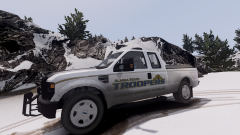
From the album: AST Clan Cars
Alaska Wildlife Trooper Marked Super Duty -
Cars in the Alaska State Troopers Clan Pack
-
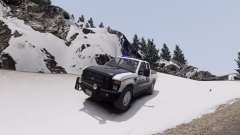
From the album: AST Clan Cars
Alaska Wildlife Trooper Marked Super Duty -
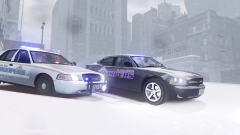
From the album: AST Clan Cars
Alaska State Trooper Marked Crown Victoria and Slicktop Dodge Charger in the Snow -
-
-
-
-
-
-
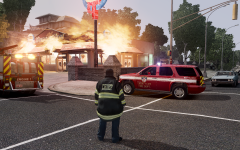
From the album: AST Clan Fire
-
-
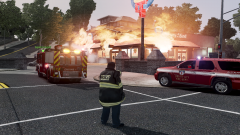
From the album: AST Clan Fire
-
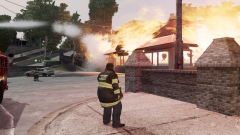
From the album: AST Clan Fire