


Slimory
-
Joined
-
Last visited
File Comments posted by Slimory
-
-
-
-
How is that possible? I thought they absolutely can't sell you the car with the lights and department markings
From what I've read & heard some states it's 100% legal to sell a retired Police Vehicle AS IS, equipment, I mean, as far as I'm aware, it's not even a small possibility to get them with markings.
-
-
-
-
-
-
-
-
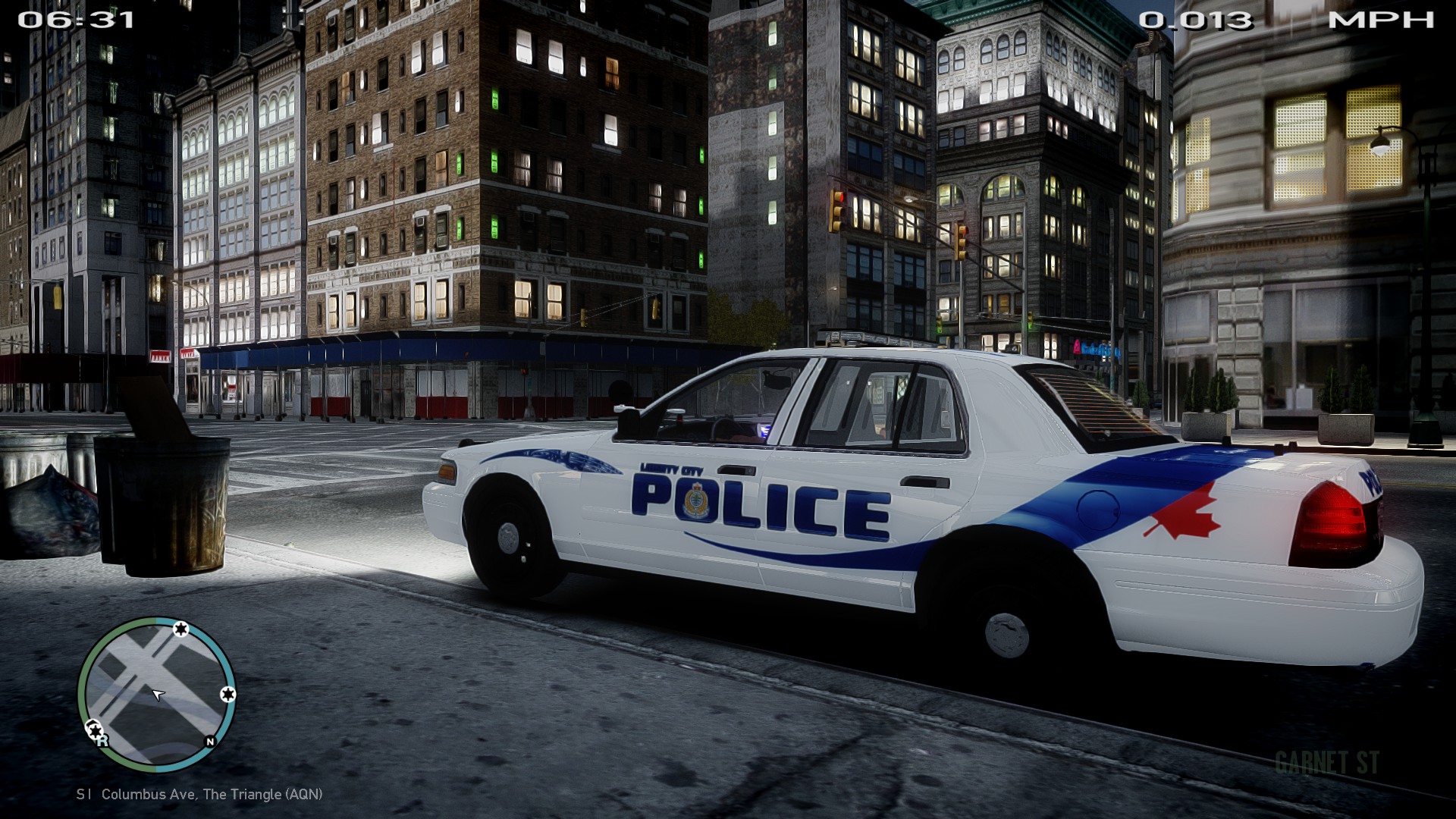
I remember when i was in Vancouver and i saw 2 VPD CVPI's and one RCMP Charger blast down the street at 80 mph. It was awesome.
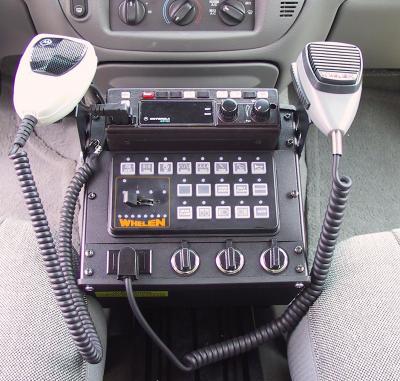
This vehicle could be perfect if you Keep the push bumper but remove the GIANT headlights on it, take off the strip lighting on the push bumper and put 2 lights like on the other one, remove the lights on the side mirrors, make the tiny lights next to the headlight flash white instead of red, get rid of the hood scoop, remove all side lighting from the vehicle, and remove the boxes from the four corners of the light bar.... More lights isn't always better, I miss years ago when police cars were simpler and looked sleeker. Now for some its all about who can pile the most Christmas lights on their Christmas tree.
I think your making a request.. if he wanted to do that, don't you think he would have? lol
Thanks for the comments guys
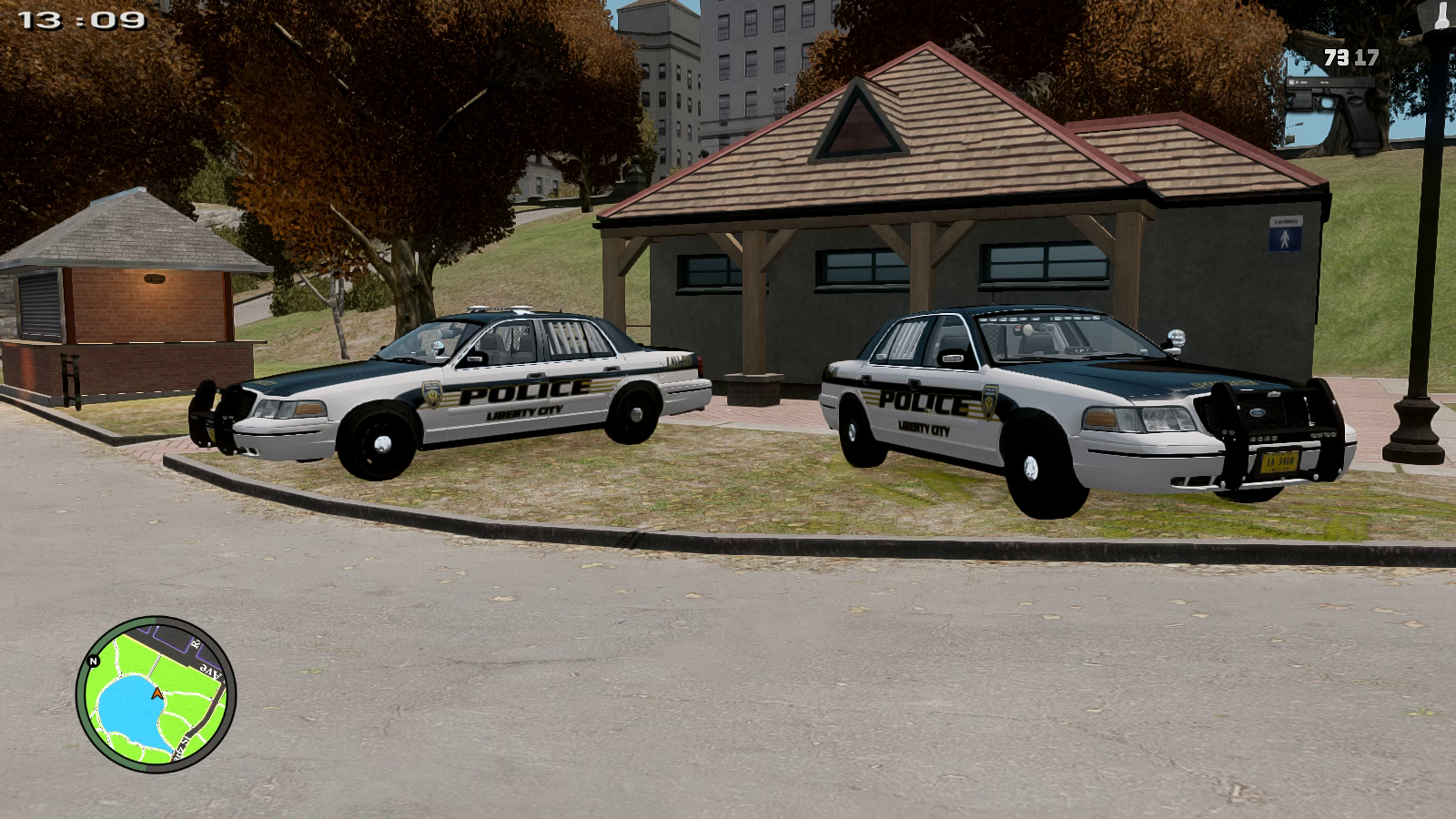
You guys are all a bunch of assholes.. every last one of you.. it was his first attempt & give constructive criticism.. what the hell is wrong with you people?..
- 42069, bandaidsplus and Josherry
-
 3
3


Account
Navigation
Search
Configure browser push notifications
Chrome (Android)
- Tap the lock icon next to the address bar.
- Tap Permissions → Notifications.
- Adjust your preference.
Chrome (Desktop)
- Click the padlock icon in the address bar.
- Select Site settings.
- Find Notifications and adjust your preference.
Safari (iOS 16.4+)
- Ensure the site is installed via Add to Home Screen.
- Open Settings App → Notifications.
- Find your app name and adjust your preference.
Safari (macOS)
- Go to Safari → Preferences.
- Click the Websites tab.
- Select Notifications in the sidebar.
- Find this website and adjust your preference.
Edge (Android)
- Tap the lock icon next to the address bar.
- Tap Permissions.
- Find Notifications and adjust your preference.
Edge (Desktop)
- Click the padlock icon in the address bar.
- Click Permissions for this site.
- Find Notifications and adjust your preference.
Firefox (Android)
- Go to Settings → Site permissions.
- Tap Notifications.
- Find this site in the list and adjust your preference.
Firefox (Desktop)
- Open Firefox Settings.
- Search for Notifications.
- Find this site in the list and adjust your preference.
Swat Tahoe
in Vehicle Models
I really like this, especially with the rain guards! no one ever puts those, they make a huge difference.