


Pdub1028
Members
-
Joined
-
Last visited
Everything posted by Pdub1028
-
-
Absolutely. Enjoy!
-
This video shows you how to do it. If it is an add on it would be under the folder containing the name of that vehicle. hopefully this fixes your problem.
-
Go in to vehicles.meta and change the LOD’s all to 500. Should fix your problem.
-
Cool. Happy to help.
-
It can be found in the lspdfr folder. There should be a sub folder titled agency. You will need to access through openIV, and enable edit mode. Then you right click on agency select edit. You can copy the line from any other car paste it below and change it to police4. hopefully this helps.
-
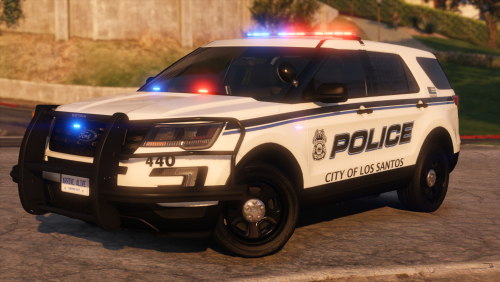 Love the pack! I agree with the guys who said time for a Hillsborough County pack😉 keep up the great work, and thank you for the awesome content.
- 47 comments
- 16 reviews
-
-

- 1
-
-
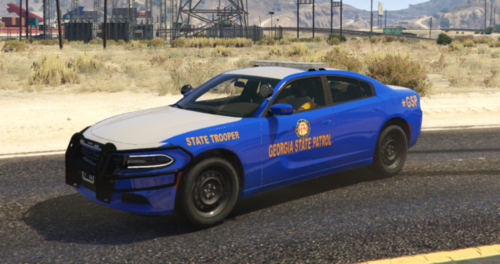 It looks awesome bro. Great work!
 -
Great looking car! My friend and I call the troopers who sit at the Florida Georgia line the welcoming committee💵👮🏻♂️👮🏽♂️👮🏽♂️
-


