
Angel Dust
Members
-
Joined
-
Last visited
Everything posted by Angel Dust
-
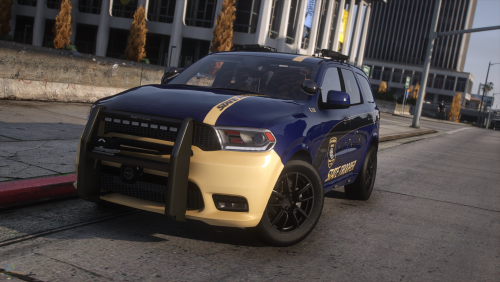
 Solid pack. Absolutely love the blue lighting setup and the livery design. I'll be following this guy to see what he releases next.
- 119 comments
- 11 reviews
-
-

- 1
-
-
ELS requires script hook to work. We have to wait until that is updated.
-
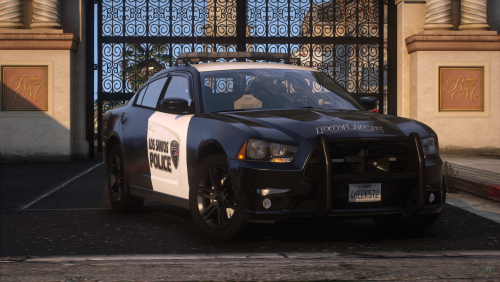 Man, I love the valor bar and I love these liveries. They're simple, stylish, not overly complicated. Downloaded and gonna go install and play right now.
- 32 comments
- 2 reviews
-
-
- 1
-
-
-
It depends on when the dev can get to it. It usually follows soon after the LSPDFR and RPH updates but expect up to a week or less or more.
-
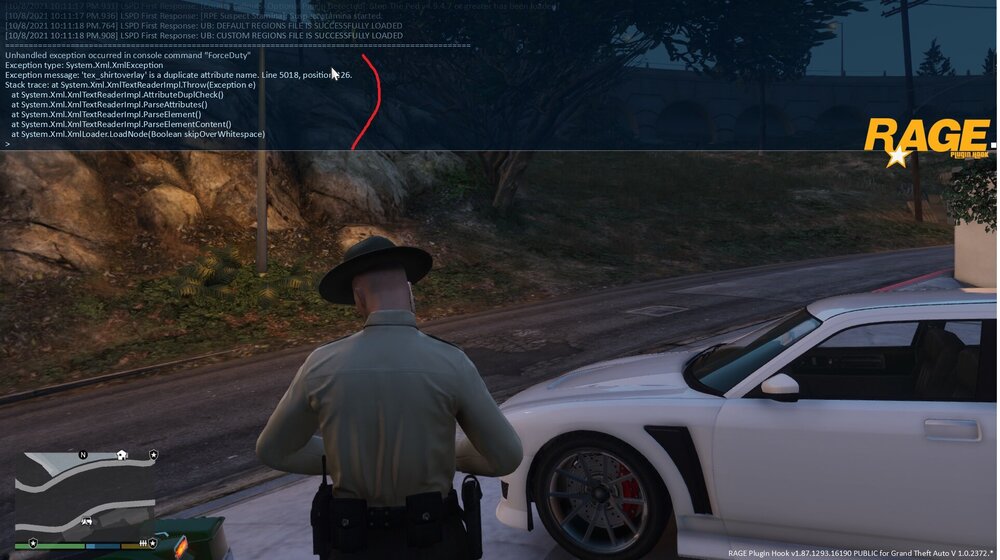
I just started having this issue earlier this week. I've been since trying to figure out what the error message meant and have had no luck, so I figured I'd better see if someone here could help because this is breaking my brain. All of my plugins and scripts are current and up to date. I've been using the same group of plugins and scripts for most of this year and they've all been compatible with no issue. They all load successfully before this crash occurs I should mention, be it via the ForceDuty command or walking into a station. Thank you in advance for any and all insight and help you may provide.
-
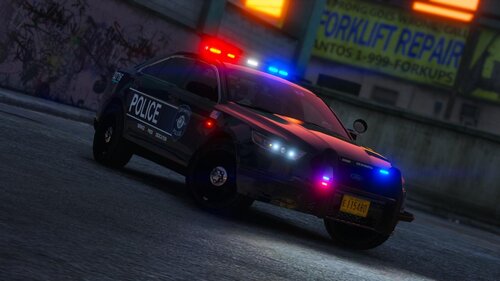 It made my night popping on this website and being notified you posted new content. This is being installed instantly.
- 53 comments
- 13 reviews
-
-
- 1
-
-
 I love this. DL'ing this now and gonna install later to play it.
 -
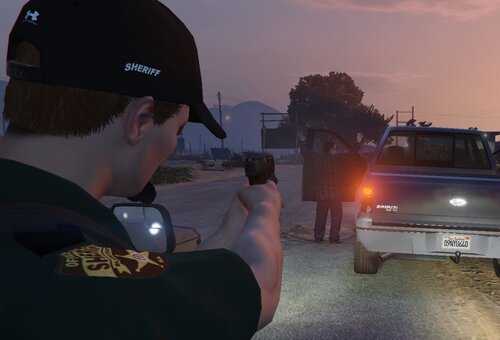 "Absolutely nothing special," they say, yet I see a sleek BCSO EUP package that I'm going to use.
 -
-
Keep an eye on the website I linked you above. Go to the GTA V section at the top on the site, then select scripthook V. From there it'll show you the release date beside the file. The current version is from February. So when it changes from Feb to March, or whenever the guy updates it, you'll know. Also, LSPDFR homepage keeps us informed. You'll notice on the home page that there's a red square popping up explaining the situation around the update and the availability of files.
-
Rage has already been updated and its newest version ready for download. There is a link on the LSPDFR homepage for it. So all we gotta wait on for now is Script Hook to be updated. Vanilla LSPDFR doesn't require scripthook to play, but that'll entail removing the plugins you have installed if you wanna play the standard LSPDFR experience. As for the length of time, it can vary. It can take days depending on what the programmer has to actually do to make it compatible with the new GTA version.
-
Yeah man, you're probably all good to go thus far. but R* just released new patch and we have to wait until Script Hook V is updated before any of our plugins will load properly and get you past that screen you're stuck on. I'm in the same boat. It's a waiting game at this point. I'm going crazy cus I wanna play, but I'm playing other things until Script Hook gets updated. Just keep on eye on LSPDFR homepage for the update as they will let us know. Also keep an eye on the scripthook file here: Script Hook V - AB Software Development (dev-c.com) namely the date which it is released.
-
There is a mod called World of Variety that supposedly implements all of these elements you're looking for. It's in need of an update at the moment, tho, as it isn't compatible with the current GTA V version. Another mod is SPA II that allows you to buy MP player properties with garages and such in SP mode. Supposedly both work with LSPDFR, but YMMV.
-
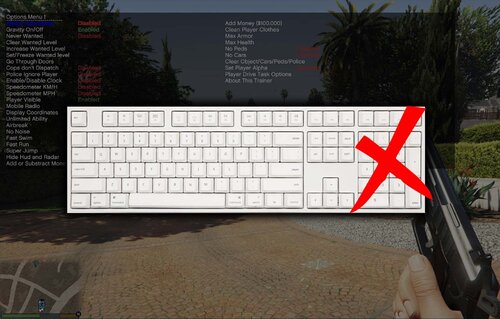 This mod's purpose is simple. If you don't have a numpad on your keyboard for Simple Trainer, or you do have a numpad and hate using it to navigate the trainer, you now have this little fix. Big things come in small packages and this is one of them.
- 14 comments
- 3 reviews
-
-
-

- 2
-
-
I have a numpad and I despise using it to navigate Simple Trainer. I'm downloading this just so I don't have to use the numpad.
- 14 comments
- 3 reviews
-
-
- 1
-