Paraso
Members
-
Joined
-
Last visited
Everything posted by Paraso
-
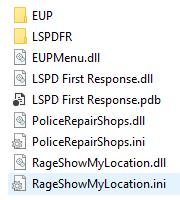
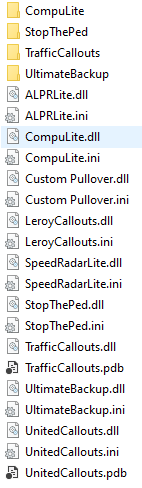
Hello! I am fairly new to LSPDFR (I've only been playing for a few weeks) and I've been loving it. Despite this I've been experiencing an issue where GTA/Rage crashes randomly in game without warning, this has never been an issue with vanilla GTA and I don't believe it was an issue when I had fewer addons for LSPDFR. The crash doesn't occur while preforming a specific action on my end either, in many cases I was doing nothing at all. I've been looking for others who have had similar issues and tried possible solutions which included removing scripthookvdotnet, non-replacement vehicles, callout mods. Also things like changing settings in RAGE and more. None of these methods have worked for m e, so I decided the best option would be to post here. Note: I am using Natural Vision Evolved alongside lspdfr, unsure if the issue existed before I started using it. RagePluginHook.log