


Fluffy118
Members
-
Joined
-
Last visited
Everything posted by Fluffy118
-
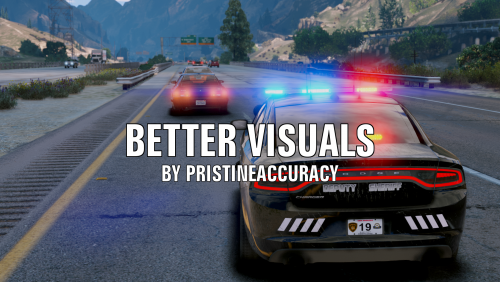 I had this issue too. To the best of my knowledge, you need to install the graphics, then open the game and go to your in-game settings. Change the Post-FX setting to a higher value and save. It should fix it. From there you can change the Post-FX to whatever you want without it changing the color of the lights.
- 51 comments
- 17 reviews
