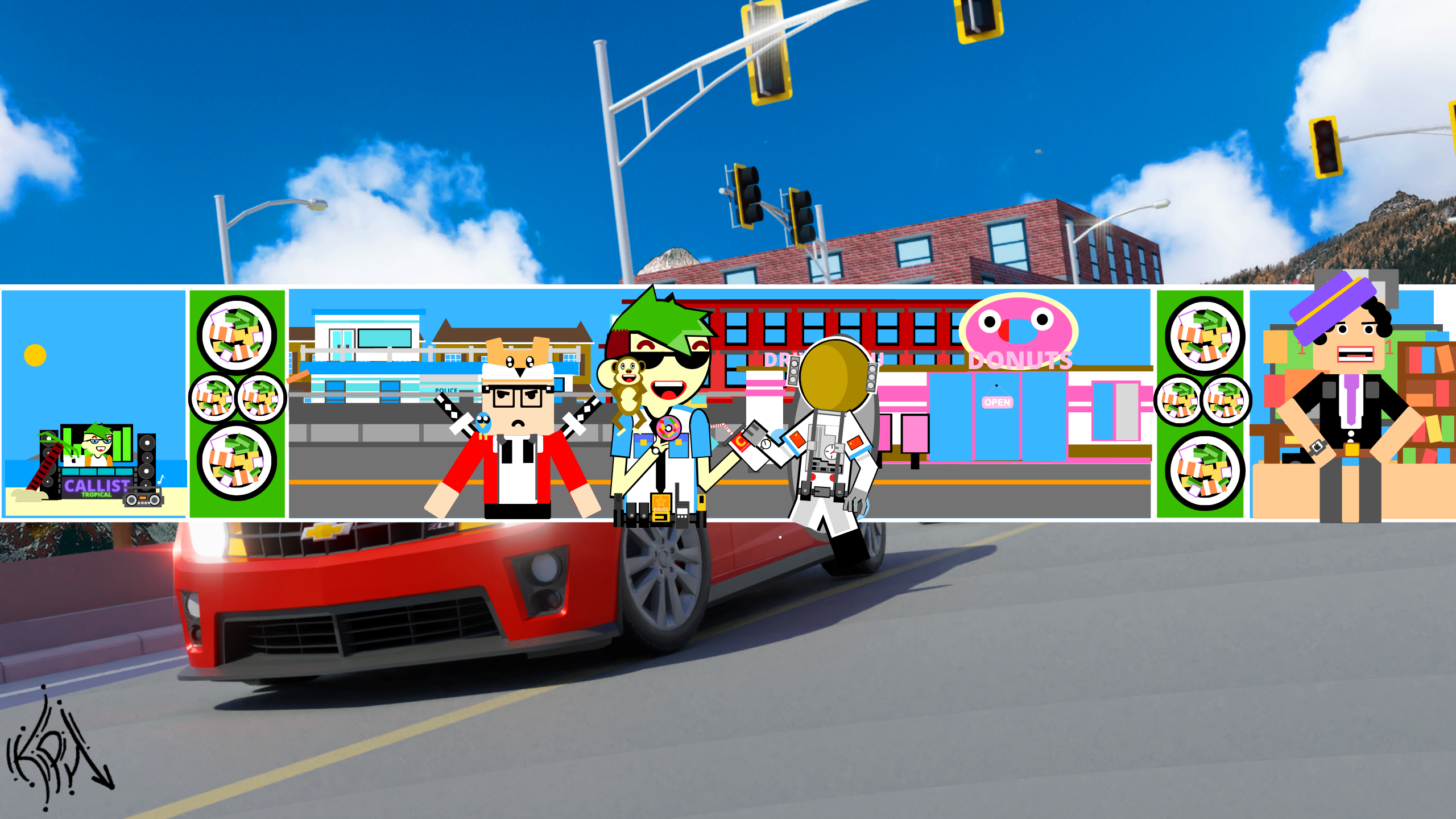
Welcome to my LSPDFR profile, fellow officer!
Hello fellow officer. My name is Calvin, but you can call me Fanta since thats what I prefer. If its not obvious enough already, I actually don't like Fanta. I like Pepsi!
I love playing LSPDFR, since I get the sense of power, and no-one can stop me! (Besides annoying updates that waste life minutes) As an officer in Los Santos, I just wonder around the streets and wack people in the head. During callouts, like if someone is being robbed, I will just response, shoot them, drag their bodies into the ocean, and i'll call it a 10-4. The boring reality of that story is that I patrol following all laws, pull people over and issue citations, and respond to calls and make arrests. I tend to keep it professional around here.
However, I also enjoy playing GTA Online. But since I pretty much did everything in the game, I don't play it as much anymore, as well as the annoying modders that stalk me around and trap me in cages.