JeromeM
Members
-
Joined
-
Last visited
Everything posted by JeromeM
-
 You need to convert it to a ymt for it to work in GTA5. It was pulled directly from my test server.
 -
You need to use the carcols.
-
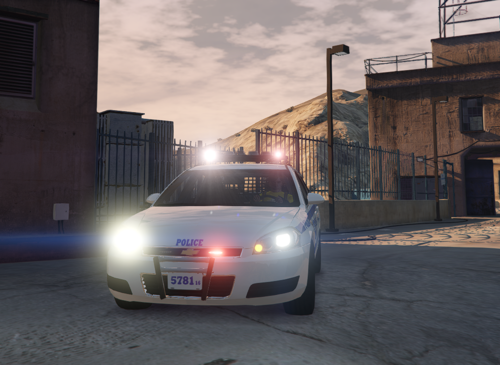
Alpha Release of a NYPD 14 Chevy Impala -- Known Issues -- Keyboard is the wrong one. Siren Controller & Message Board Controller is wireless atm. Microphone has magical powers (wireless & floating) Tablet is also magical (dock doesn't have any wires) Texture is wrong, this is NOT a 2016 which the texture reflects. (was just copied from another vehicle and I didn't care to have it changed atm) -- Future Updates -- Fix all above issues Add flood lights Add ballistic Panel in window Other criticism and recommended equipment is welcome!