KaleChipies
Members
-
Joined
-
Last visited
Everything posted by KaleChipies
-
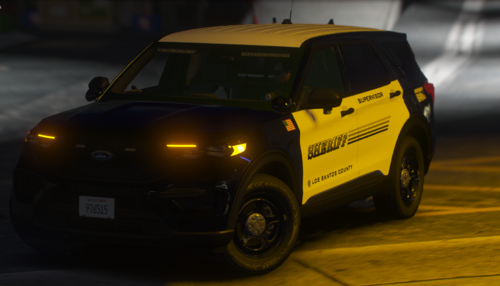 Nice liveries, but you forgot to add the 15 fpiu in the download
 -
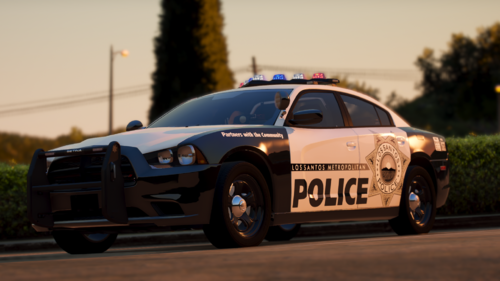 I tried changing the speed value alone which would make it go faster and slower but the lights would keep resetting to the start position before they could rotate all the way around. So I looked at this guide https://www.modding-forum.com/guide/20-emergency-lights-rotator-lightbars-and-wig-wags/ and apparently you have to change the sequencer as well as the speed value in order to get it to work properly. I ended up changing the speed value from 12 to 24 and the sequencer from 2155905152 to 2290649224 and it's working well
 -
Gorgeous pack, Is there any way I can increase the speed on the rotators?
-
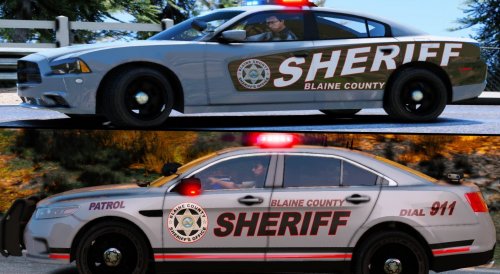 Also do you think you could add a 2019/2020 Tahoe? LivePD video is the best reference that I have https://www.youtube.com/watch?v=HJyMIjmvp7w skip to about the 15 minute mark and you'll see it in the pursuit. And maybe a durango
- 30 comments
- 5 reviews
-
Do you think you would be able to fit the 14charger skin to this template for both versions of the skins?
- 30 comments
- 5 reviews