Skip to content
View in the app

A better way to browse. Learn more.

LCPDFR.com

A full-screen app on your home screen with push notifications, badges and more.

To install this app on iOS and iPadOS
  1. Tap the Share icon in Safari
  2. Scroll the menu and tap Add to Home Screen.
  3. Tap Add in the top-right corner.
To install this app on Android
  1. Tap the 3-dot menu (⋮) in the top-right corner of the browser.
  2. Tap Add to Home screen or Install app.
  3. Confirm by tapping Install.

Jkenn7

Members
  • Joined

  • Last visited

Everything posted by Jkenn7

  1. Let me know what you see RagePluginHook.log
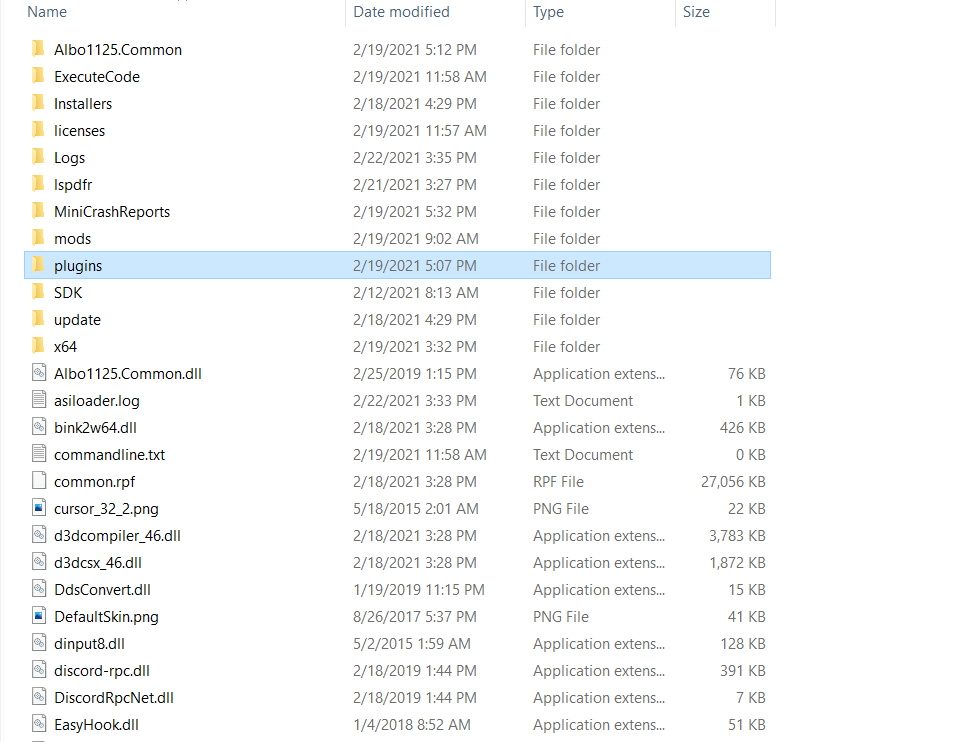
  2. Hi Charlie, Here is what i'm looking at: These are the plugins that I want to run, but they usually just make LSPDFR crash when I load them. Do I need to move them to different folders? Another Screenshot of the main directory:
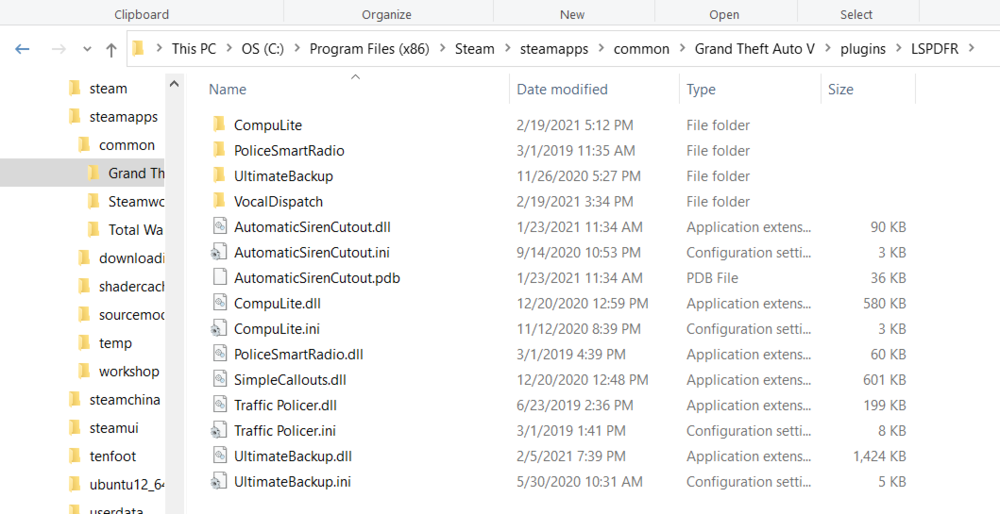
  3. Hey ya'll. Can someone point me in the direction of a video that explains how to add plugins to LSPDFR? Here's the deal: I've got LSPDFR working, but I want to add specific callout plugins, I read somewhere that some of them need to be in the main GTA V directory, while others need to be in a different folder.... I'm relatively new to any form of modding, so if someone has a pretty straightforward "Guide for idiots" that would be great.

Account

Navigation

Search

Search

Configure browser push notifications

Chrome (Android)
  1. Tap the lock icon next to the address bar.
  2. Tap Permissions → Notifications.
  3. Adjust your preference.
Chrome (Desktop)
  1. Click the padlock icon in the address bar.
  2. Select Site settings.
  3. Find Notifications and adjust your preference.