usmcv22vet
Members
-
Joined
-
Last visited
Everything posted by usmcv22vet
-
Really could use some help with this also. I know what you mean.
-
 I love the flag on the back
 -
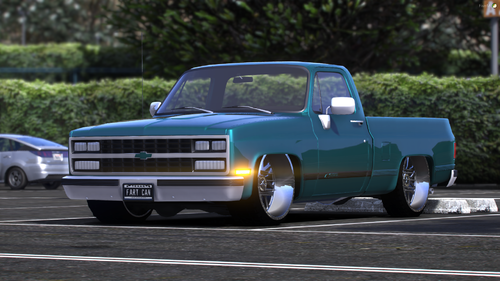 This thing is sick
 -
Im not sure which keybind is the problem. I have switched compulite to L. I cant seem to find any plugin that uses backspace to blip the siren or anything.
-
I am looking for any help with this problem. I can not exit compulite without blipping my siren and having the ped drive away. This happens with the B button on my controller, or backspace and even escape on the keyboard. I have changed the tracntrl to false on the els .ini but I am lost. I love using the computer but unless I arrest them, I cant use compulite to cite them because they will just drive away. ELS scroll lock does not affect this problem.
-
 Not sure how often you hear this, but i love these packs. Being from the Chicago area, i have this pack and your CPD pack and they are awesome.
- 164 comments
- 17 reviews
-
-

- 1
-