


I GET THAT
Members
-
Joined
-
Last visited
Everything posted by I GET THAT
-
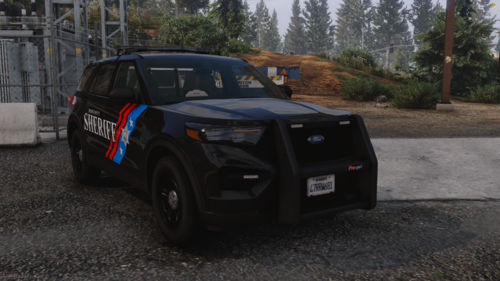 Any chance of there being a package?
 -
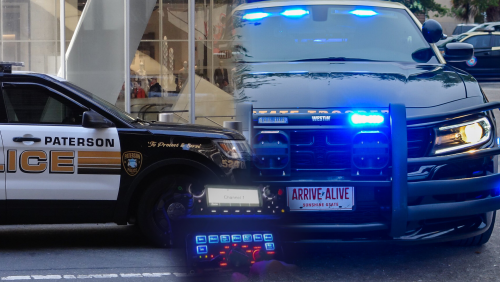 It was a bit too quiet for my liking so I increased them a bit and they are great now.
- 32 comments
- 4 reviews
-
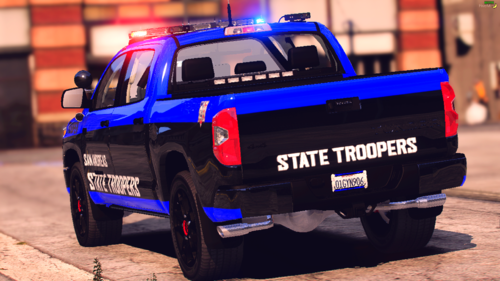 Really like the Tundra but I dont care much for the 3rd person driving camera being so far above and out. Is there any way for me to change this?
 -
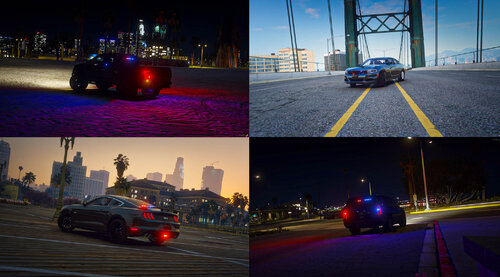 Thanks for the info
 -
Having an issue where only the rear lighting works and nothing in the front.
-
Thank god it wasn't just me lol
-
LSPDFR keeps crashing while going on duty after I recently updated Bejoljo Stop The Ped and CompuLite. I checked Ragehook logs and it said it was CompuLite and Stop The Ped and once I removed both of those, it works fine. Anyone else having this issue or know how to fix it?
