


zn.rd
Members
-
Joined
-
Last visited
Everything posted by zn.rd
-
-
 Are there any other requirements for installing this mod than Open IV? I Placed all the files like in Matty is ball's video tutorial and the game always crashes while loading. Any ideas?
- 56 comments
- 6 reviews
-
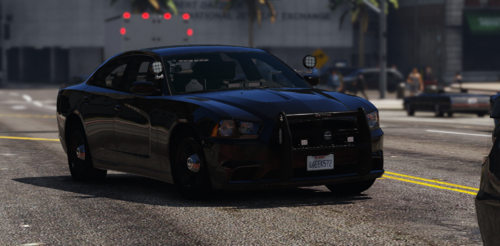 It appears to me that it switches between normal yft and _hi during ride along without changing anything. EDIT: ok, i guess it was the v1. After updating the files it did not happen again. I'll keep testing.
- 8 comments
- 1 review


