


Chuy01
Members
-
Joined
-
Last visited
Everything posted by Chuy01
-
.thumb.png.09bdb186284dc597f2311b257cea408a.png) absolutely great pack, for some reason the AI have no siren, is anyone else having this issue?
absolutely great pack, for some reason the AI have no siren, is anyone else having this issue? -
 great dls patterns, looks really good and accurate however you are missing the cvpi any way Great Job!
- 6 comments
- 1 review
-
-
 I can't get the warning lights be active on stages 1+2. They work fine on stage 3 tho. and I can activate them manually by pressing the L key in game on any stage but they never activate with the pre-determined pattern ive set for them in the XML.file. <!-- WRNL --> <WRNL LightingFormat="leds" > <PresetPatterns> <Lstg1 Enabled="true" Pattern="31" /> <Lstg2 Enabled="true" Pattern="31" /> <Lstg3 Enabled="true" Pattern="11" /> </PresetPatterns>
- 2,706 comments
- 241 reviews
-
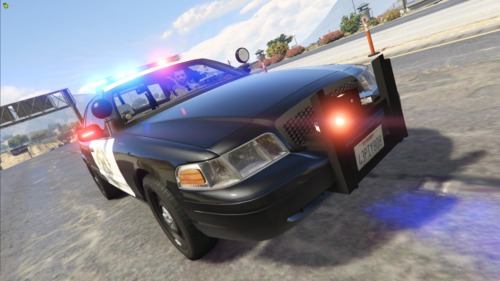 Is there any way you/and or i, can change the ELS back to the old pattern and speed?, I'm not that big of fan of the new ELS system
- 103 comments
- 4 reviews
.thumb.png.09bdb186284dc597f2311b257cea408a.png)
.thumb.png.67c32d110faec36a649ceb5c5d1bc41a.png)
