


deathlink7ns
Members
-
Joined
-
Last visited
Everything posted by deathlink7ns
-
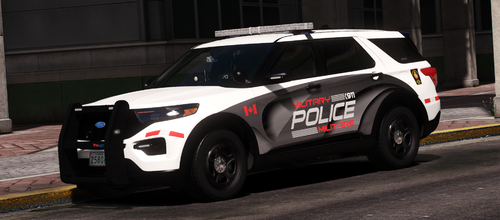 It does not make any difference whether the model is FiveM ready or not. There's only two fpiu models out there (I think), so it shouldn't be too hard to find one that this livery fits on.
 -
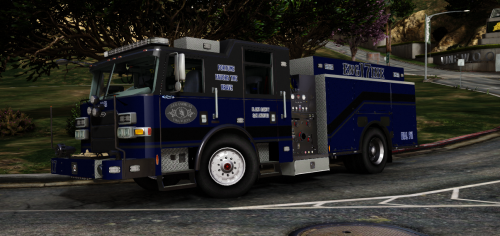 This livery is made for both engine6a and engine6b in Medic4523's Pierce Arrow XT pack, which can be found in the link below. https://modification-universe.com/forums/resources/pierce-arrow-xt-pack-vg.61/
 -
-
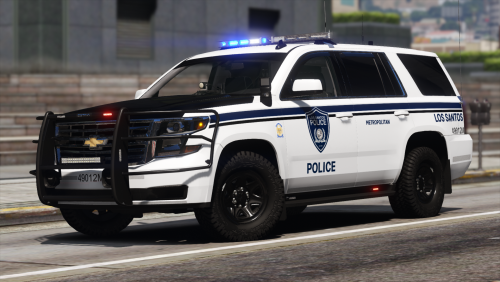 Just letting you know, for the SGT livery on the FPIS you put the pdn instead of the png
- 9 comments
- 3 reviews
-
-

- 1
-
-
-
.thumb.png.74b9cc40da4edc746f7e4a897ed253e0.png) Hey, just wondering if I could get permission to remove "Serving the cities of Vinewood and Rockford" on the vehicles.
Hey, just wondering if I could get permission to remove "Serving the cities of Vinewood and Rockford" on the vehicles. -
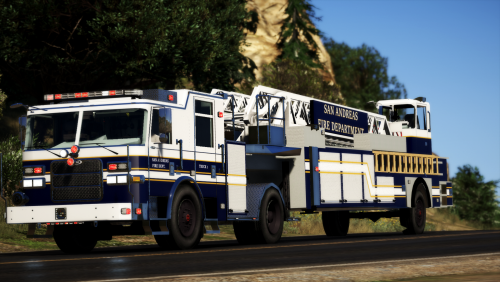 When will we be getting stage 4 and 5? The release dates were over 2 years ago...
 -

.thumb.png.74b9cc40da4edc746f7e4a897ed253e0.png)
.thumb.png.225e50cc7ae3ea317caa4429dd2d63a9.png)