


airsickace
Members
-
Joined
-
Last visited
Everything posted by airsickace
-
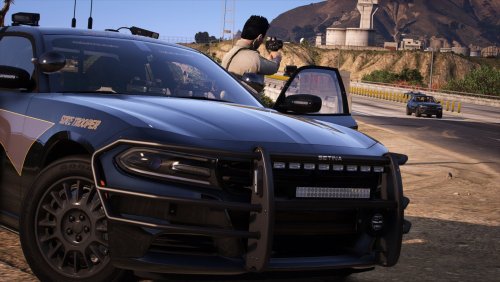 I had trouble getting the FPIS Taurus to show up in the garage, so I called it "taurus" instead of "fotaurus" in the agency and duty lists and its showing up in the garage now! Thanks for this great pack.
- 18 comments
- 7 reviews
-
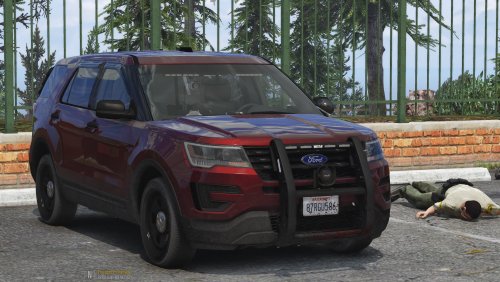 I am clueless on the last step of the install. Once I get to this path I don't see which file to add this line to? Anyone have any ideas that can help
- 21 comments
- 2 reviews
-
@Charlie686 That works. The only thing I have in the mods folder is the latest NVE. But NVE works on its own, and with Rage, just not with NVE, Rage, and LSPDFR. Even when I try to load LSPDFR while I'm in game.
-
Do you mean the Rage + NVE.bat launcher? I've tried that. Rage works fine with NVE, LSPDFR does not.
-
Does anyone have issues running LSPDFR with Natural Vision Evolved? Everything loads independently of each other with no issues, but when i load both LSPDFR and NVE, it crashes. I attached my Rage Plugin Hook log. Please let me know if you have any idea.
