



.png.320f38120089caaae53d73751d10e59f.png)
zttk
Members
-
Joined
-
Last visited
Everything posted by zttk
-
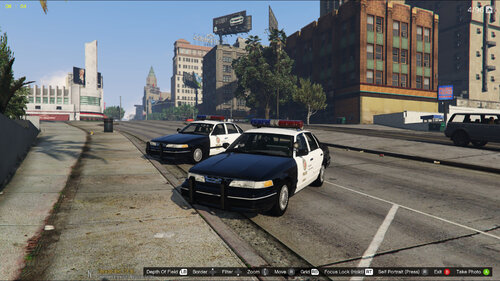 i lived around there i was only two years old . i remember my parents telling me the history of the 818 valley .. growing up i can only remember hearing explosions of the time ... when i saw the 1996 cvpi i knew this was 15 north hollywoods cruiser bc foothill is 16.. two divisions patrol my area .. there were just caprices from 1991 to 1994 .. lapd did use impalas from 1981 and 85.
 -
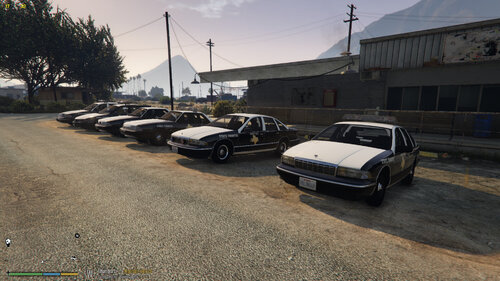 good job love the pack 🔥 u should make sahp retro pack california based highway patrol.
 -
-
.thumb.png.40781ab90d75c23d1a9fddbb92b5130c.png)

