The3
Members
-
Joined
-
Last visited
Everything posted by The3
-
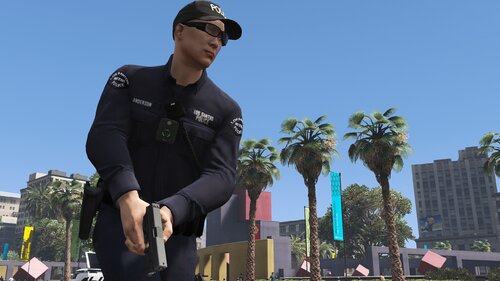 I love this mod because it saves me a lot of setup time by removing the work with clothing ids. Good job!
- 954 comments
- 24 reviews
-
-
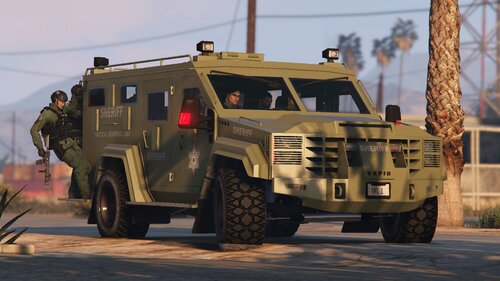 Looks good, but you should change the BCSO logo, becouse this one looks bad.
 -
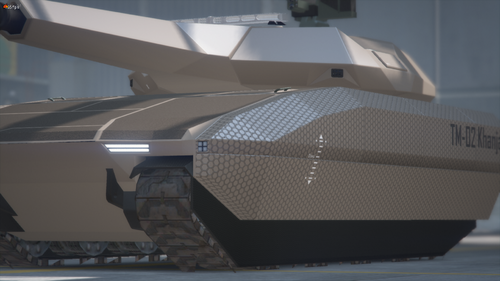 I was looking for a police tank about 5 months ago. I like the PL-01, but would probably pour more normal Rhino on police equipment. I also find chrome and the lack of police markings a bit disturbing, but once you'd made this template, making such markings would be redundant. Making a more SP-compatible version would also be cool (as an add-on). Police Scarab would be great too.
 -
-
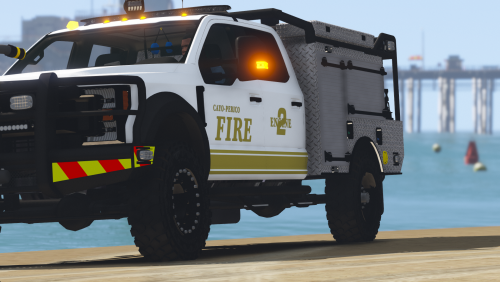 I cannot find ambulance model. Can you give me a URL?
 -
-
-
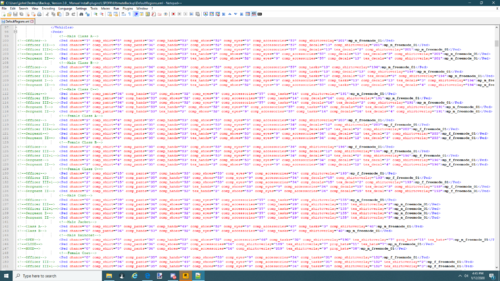 Yes, it is possible. But a bit then the idea of this file/script misses the point, because you would have to reprogram it yourself. I would try to fix this in free time, or possibly based on this I will write a new script.
- 170 comments
- 11 reviews
-
-

- 1
-
-
-