


hvrbros
Members
-
Joined
-
Last visited
Everything posted by hvrbros
-
sorry guys, i didnt do enough research it was the same issue with scripthookv.net that a couple other people have mentioned. i downloaded the Nightly version and it works fine now this is the bug for anyone interested
-
Hello, I'm currently running Rage Plugin Hook v1.122.1379.17094 on gtav legacy. About half of the times i try to open the console by pressing F4 it crashes GTA V. I triend reporting this via the RPH forum but i am unable to get to the website? (HTTP Error 503) anyway attached is a crash report if it helps Thanks in advance if anyone is able to let me know if its a problem i can fix on my end 🙂 rage crash report.txt
-
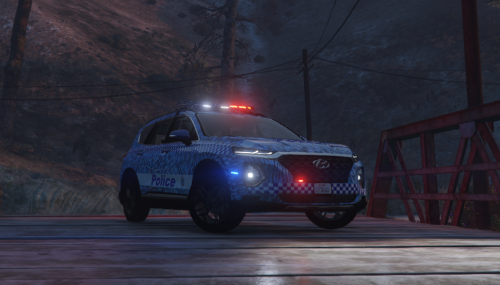 same here
 -
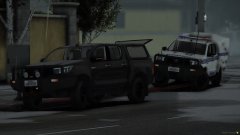 is it possible to get a download for the unmarked hilux?

