iamseven
Members
-
Joined
-
Last visited
Everything posted by iamseven
-
This can be closed now, thanks
-
Yes, it used to be E, then I made it "." just so it won't confuse to other key binding in the system - i was just assuming
-
I have it attached here StopThePed.txt
-
Yes, both of them
-
i did change the key bind to something else, also made sure to have totally unique key, it still won't come-up 😞
-
sorry not sure if i got the right file this time, this one is from the main directory RagePluginHook.log
-
i have it attached here.. when i try to double E a while a go, it just turn's on and off the flashlight RagePluginHook_27012021_013235.log
-
I did double tap E and still having the same - nothing happens
-
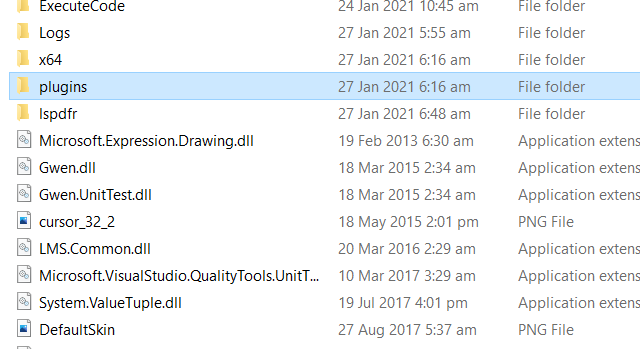
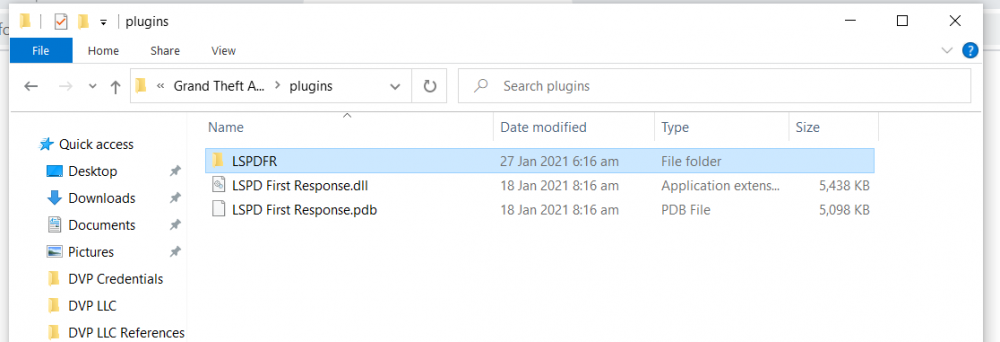
in the plugins folder see below

-
Hey - need help with stop the ped. It won't allow me to arrests or use this plug. Nothing happens if I press the button, what am I doing wrong?