


ChesRVN
Members
-
Joined
-
Last visited
Everything posted by ChesRVN
-
even with brightness turned down i have better radiace installed. fixed train and taxi buses. but the sun is unbearable
.thumb.png.9a3ca3c6a1c7fad0390bbee53e99511b.png) Thanks, Those 2 files added helped for me.
Thanks, Those 2 files added helped for me.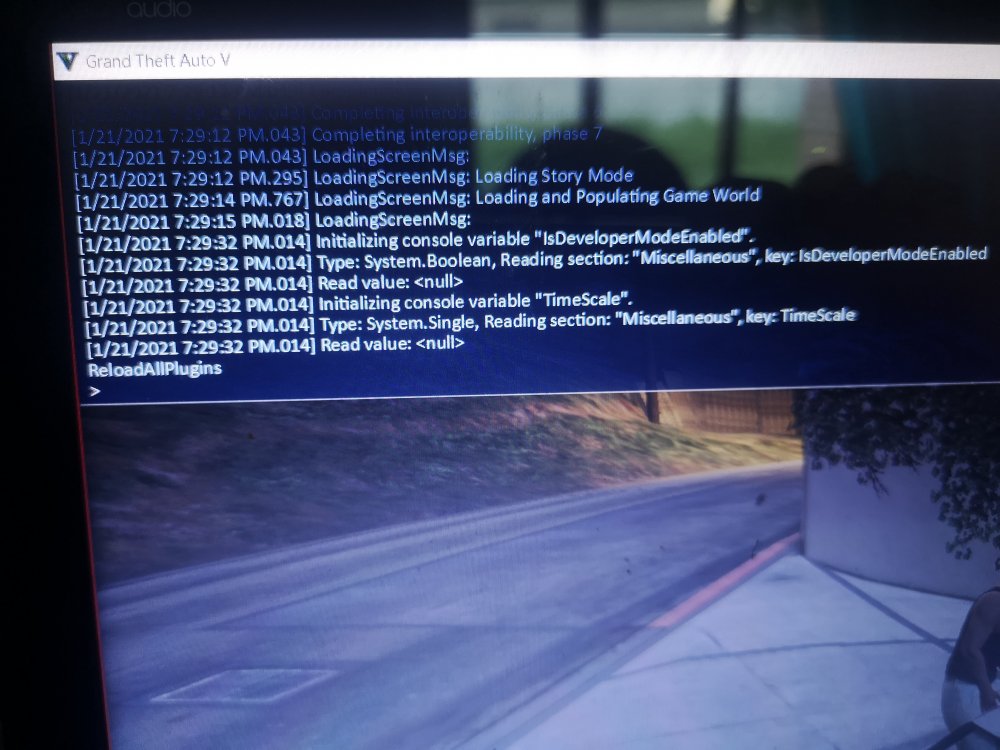 Nothing Loads when i type that in. Neither the GoTo. Please note that it did work the first time and i could do 3 or 4 call outs. Then game crashed. And has been like this ever since i load the game with RPH. I can exit RPH F4 menu and play GTAV as normal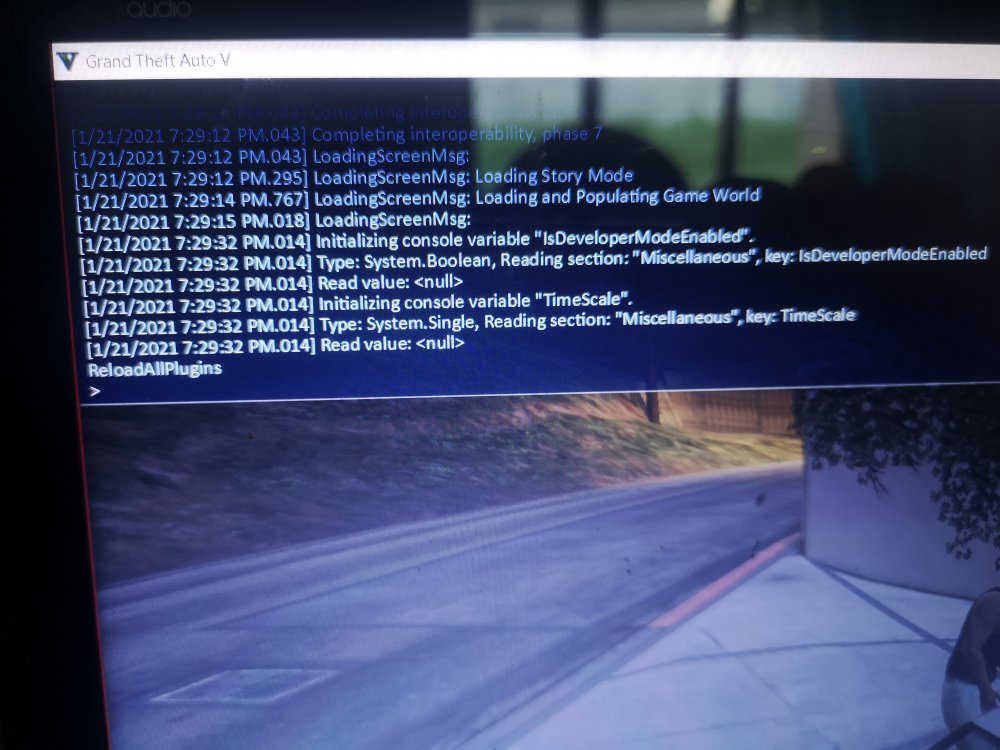
.png.42c6be990b33c45dc7d7726908ec34c7.png)
.png.010c862852bcde5f2814d0d5e75443b3.png)
.png.3e9ff4074c821b6e1c15877e52d97d12.png)


