




Icebear445
Members
-
Joined
-
Last visited
Everything posted by Icebear445
-
.thumb.png.09bdb186284dc597f2311b257cea408a.png) Are you going to make an f150 for this pack?
Are you going to make an f150 for this pack? -
 Which pack is the slicktop f150 from?
 -
Can you make a ford f250 for this pack as well? It would look really good with a valor light bar. Thank you.
-
.thumb.png.2af710f88c9155386bf927046ebc6aa0.png) Could you possibly make a red and blue version of this pack, please? Or is there any way for me to convert it to red and blue from blue and blue?
Could you possibly make a red and blue version of this pack, please? Or is there any way for me to convert it to red and blue from blue and blue? -
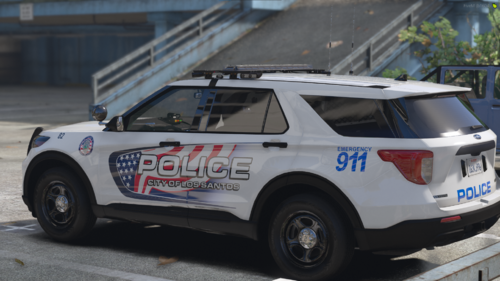 Where can I find the 2020 fpiu and the f250 used in the pictures?
 -
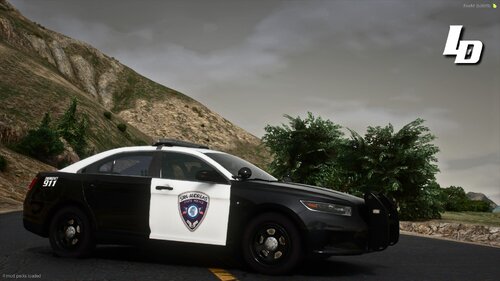 I don't think that is trooper 18's ulsa 2020 fpiu because that has some sort of a code 3 lightbar and lower wrap-around. The 2020 fpiu used in the pictures for this mod has a liberty lightbar and just a regular push bar. I'm looking for the 2020 fpiu used exactly in these pictures
 -
What vehicles did you use in the screenshots?
-
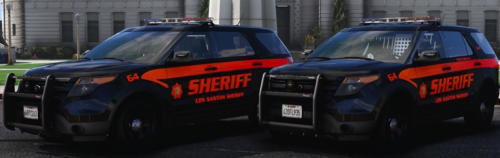 Could you make a 2016 ford explorer with the same lighting setup and everything as this one?
 -
-
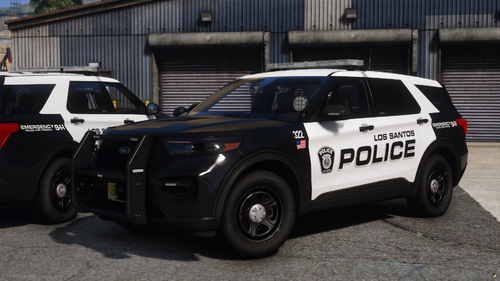 Can I please get a link to the vehicles, if not all of them, just the 2020 fpiu please? Thank you
 -
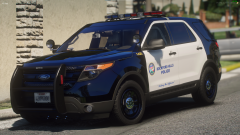 Thank you
 -
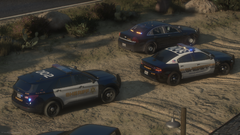 Hey, do you know where I can find these vehicles shown in this picture (especially the 2020 fpiu)? Also do you know how to join this FiveM server that's kind of based off of riverside county (I think its called Ssarp)? Thanks.
 -
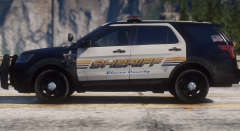 Hey, do you know where I can find this fpiu? Thanks.
 -
Thank you so much. Also I'm very exited for when you'll be releasing you california liveries pack. Especially the riverside county sheriff liveries.
-
I can't find a explorer with a lightbar like this anywhere on the internet. Same with the crown vic seen in other pictures with a similiar light bar to this explorer. If you could leave a link to where you got this vehicle from or that persons discord, that would be great and highly appreciated. Thank you Edit: I realized the picture says Cartres Fpiu in the bottum left hand corner, but I still can't find this explorer and crown vic from him. So if you could help a little that would be great.
-
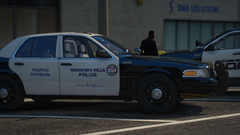 When will all these california liveries be released. And where will they be released (If they're going to release on discord, then under what channel)? Also some of the liveries released in your "discord-releases" channel in your discord use Kane's vehicles, so where do you find Kane's vehicles

.thumb.png.09bdb186284dc597f2311b257cea408a.png)
.thumb.png.2af710f88c9155386bf927046ebc6aa0.png)



