


zimbapop
Members
-
Joined
-
Last visited
Everything posted by zimbapop
-
Yeah, no problem, but I just wanna know more about this error: 0xc0000005 (EXCEPTION_ACCESS_VIOLATION) Do you know what is it ?
-
Stills crash...
-
Still a beautiful crash, heres the log:
-
Yeah it is
-
RagePluginHook.log
-
I already do it but it stills crash
-
My error is: 0xc0000005 (EXCEPTION_ACCESS_VIOLATION) is that common?
-
My crash report has this: RagePluginHook.log
-
I dont know if it's correct
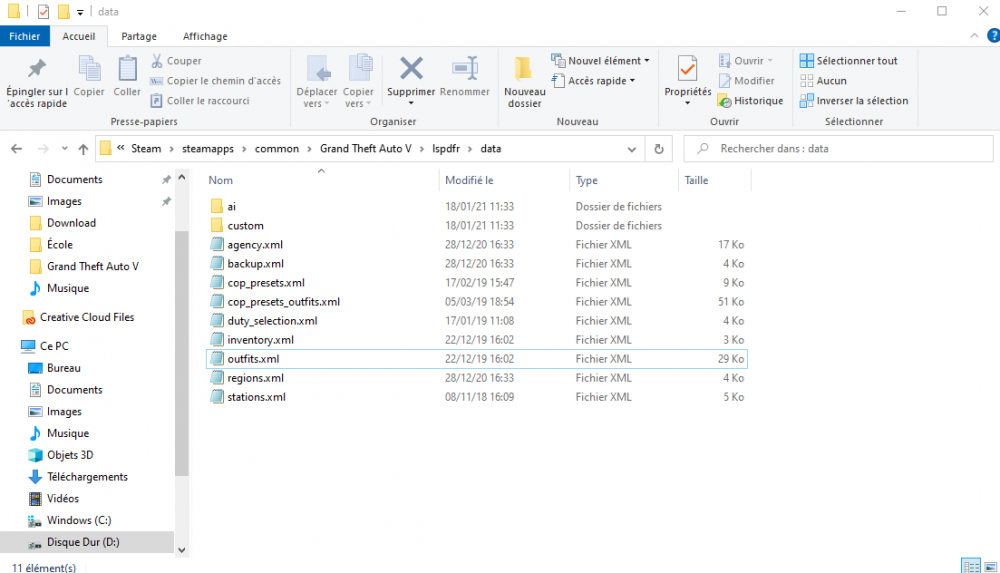
-
RagePluginHook.log
-
The game not crashing, but I have infinite loading time.
-
Its not working but I have the crash report by RAGE.
-
Yes, MattexD says to rename it _mods
-
The game crashed, but it crashed more slowly, like it freezes. RagePluginHook.log
-
I've done it, but my game still crash...
-
Still nothing to do, the game stills crashes The crash report is here:
-
I've download it last Saturday (january 16) so, it's supposed to be the last version, right ?
-
Yes, it load perfectly, I have no problems
-
My game still crash and idk what to do
-
My game is running normally, then after receiving a notifcation for a call, my game crashes instantly. It makes the same thing when I ask for a call. RagePluginHook.log
