



BRODZ1 Y61
Members
-
Joined
-
Last visited
Everything posted by BRODZ1 Y61
-
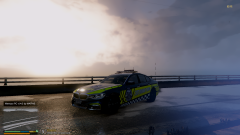
From the album: A couple Victorian mods look awesome with a graphic mod.
-

From the album: A couple Victorian mods look awesome with a graphic mod.
-
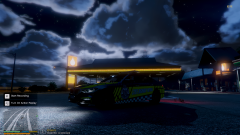
From the album: A couple Victorian mods look awesome with a graphic mod.
-
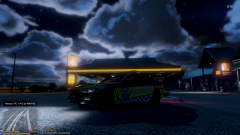
From the album: A couple Victorian mods look awesome with a graphic mod.
-
From the album: A couple Victorian mods look awesome with a graphic mod.
-

From the album: A couple Victorian mods look awesome with a graphic mod.
-
Sweet, my game runs amazing, No crashing nothing, Graphics are awesome. You have helped me so much mate, Thank you so much. Goodnight!
-
Game was perfect and was amazing but crashed after about 6 minutes,
-
Sweet I'll try that now, Sorry for the long replies been on FiveM lately.
-
Sorry for the long wait, I've re done my whole LSPDFR and GTA, This is the crash report.
-
So I just played normal GTA without renaming the mods folder and it worked fine, Why is that?
-
I'll test that now.
-
Gotta love GTA aye?
-
Thank you! 😛
-
Yeah so it was my Cop-Holster plugin that was causing it, Thank you so much for your help!
-
Okay, I've changed the name back so the game can read it, I've deleted some of my old Plugins that I don't use anymore and I'll keep testing, Thank you.
-
Okay so it hasn't crashed but none of my things are working, Like stop the ped and all that.
-
I'll try that now sorry.
-
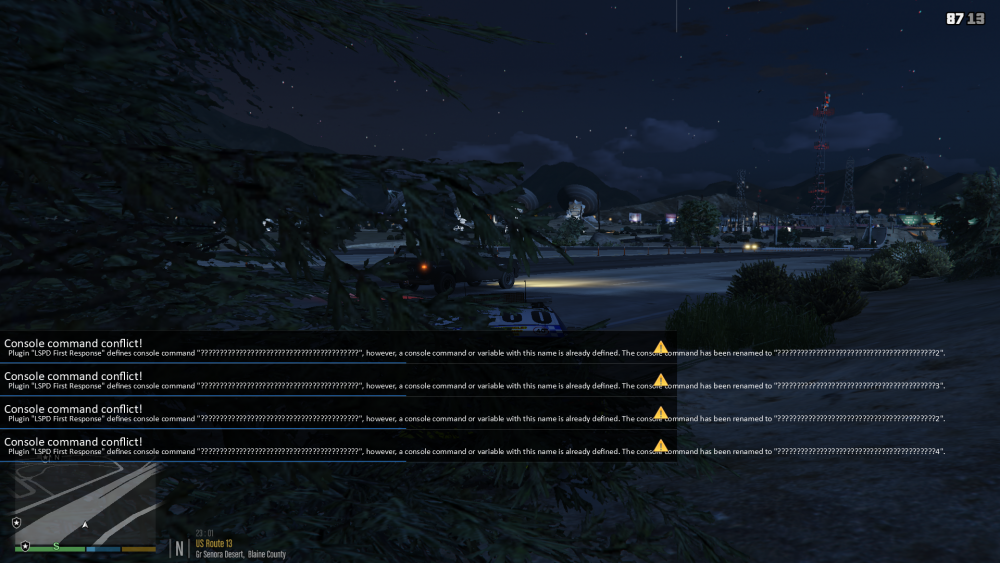
It just crashed since I sent that last message, Here is the report.
-
I've tried that, This still happened, It hasn't crashed yet so Thank you.
-
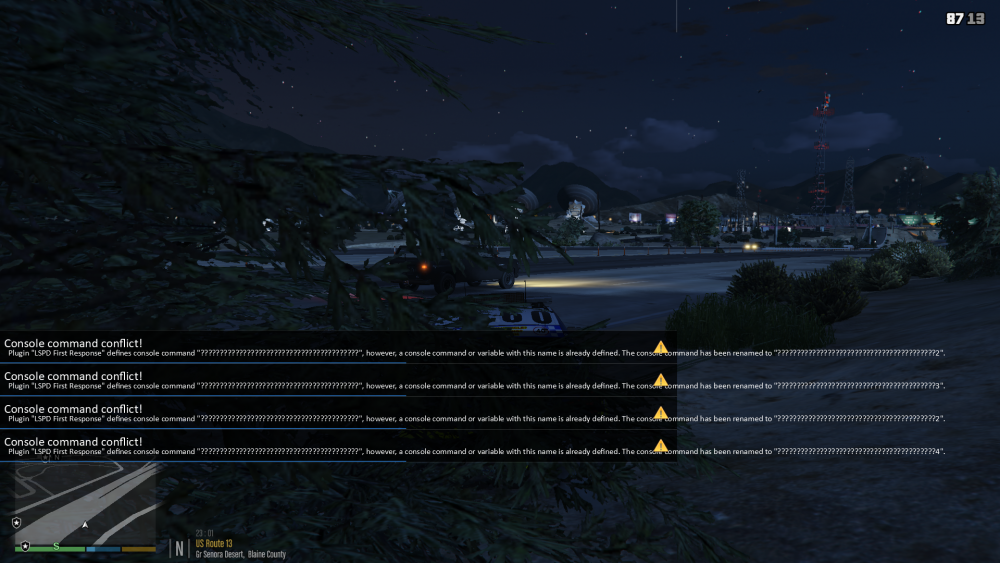
I'm trying that now, I'll let yet you know the outcome. So it still crashed but it lasted longer. I keep getting these errors when I ForceDuty.
-
I got it working but this time when it crashed it had a crash report.
-
So now my LSPDFR crashed 2 times before the game itself crashes, LSPDFR crashed randomly but when the game itself crashed I don't get a crash report. The game also crashes when I load it from the Rockstar launcher.
-
Okay so my game hasn't crashed for a wile but I don't understand how to do the agency and ultimate backup thing.
-
Sweet I'll try that, I'm doing what you said to before right now.


