Skip to content
View in the app

A better way to browse. Learn more.

LCPDFR.com

A full-screen app on your home screen with push notifications, badges and more.

To install this app on iOS and iPadOS
  1. Tap the Share icon in Safari
  2. Scroll the menu and tap Add to Home Screen.
  3. Tap Add in the top-right corner.
To install this app on Android
  1. Tap the 3-dot menu (⋮) in the top-right corner of the browser.
  2. Tap Add to Home screen or Install app.
  3. Confirm by tapping Install.

Ryan1235

Members
  • Joined

  • Last visited

Everything posted by Ryan1235

  1. I will be adding more to this series soon! Working on an LSPD package.
    • 25 downloads
    • Version 1.0.0
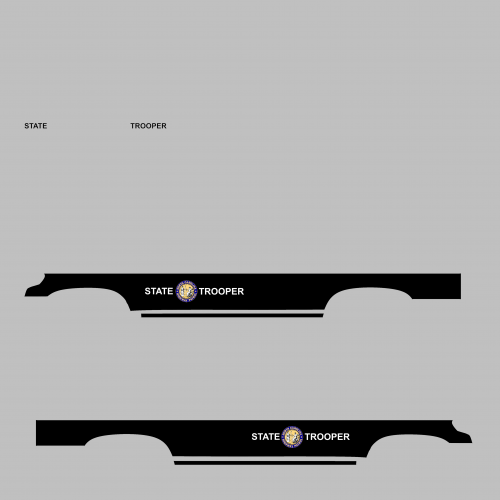
    Hello everybody! This is my very first release on to lcpdfr, I have been making textures for about 2 weeks now. I know its not the best texture, hopefully not the worst but I'm hoping to get some feedback. I appreciate all feedback, so if you feel something you are going to say might upset me its fine I will be happy to accept it. Feel free to dm me on discord. I will be adding on to this pack. Discord username: SBHUSKY#9537 Thank you everyone!

Account

Navigation

Search

Search

Configure browser push notifications

Chrome (Android)
  1. Tap the lock icon next to the address bar.
  2. Tap Permissions → Notifications.
  3. Adjust your preference.
Chrome (Desktop)
  1. Click the padlock icon in the address bar.
  2. Select Site settings.
  3. Find Notifications and adjust your preference.