


.png.ce83eea71c6bccf11d3c1d0e199c7b10.png)
.png.54efaf556912d5c16e307163a4d19b77.png)
matts.
Members
-
Joined
-
Last visited
Everything posted by matts.
-
.thumb.png.fc8bcf4c49efb0f46604702b368d2431.png) These are awesome! I've done DLS myself but reinstalling LSPDFR, decided to just plug these in and get straight to patrolling! Thanks for making it easier! It's perfectly seamless with all of the configurations with my Policing Redefined backup slots! Keep up the good work!
These are awesome! I've done DLS myself but reinstalling LSPDFR, decided to just plug these in and get straight to patrolling! Thanks for making it easier! It's perfectly seamless with all of the configurations with my Policing Redefined backup slots! Keep up the good work! -
So I've had to remove patchdays and MPs and they were able to work. But then when I tried adding them back, it didn't work and started crashing again. The cars weren't crashing but didn't come up in the simple trainer. And the reason I've added the patchdays and MP's back again was because EUP required them. Here's my crash report.
-
-
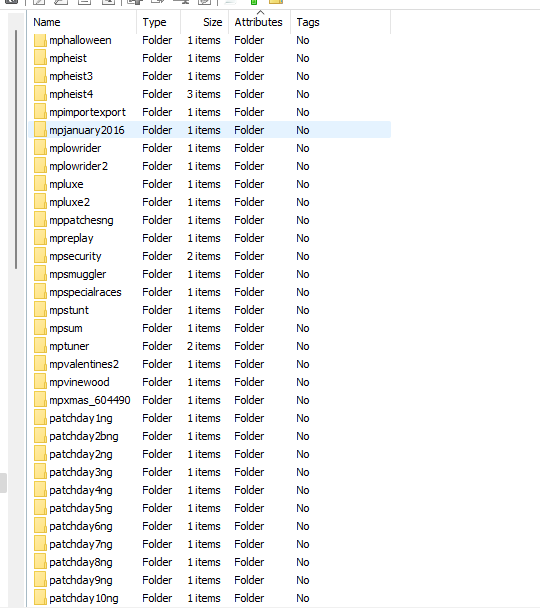
I did install them. I installed the following: https://www.gta5-mods.com/misc/gta-5-gameconfig-300-cars https://www.gta5-mods.com/tools/packfile-limit-adjuster https://www.gta5-mods.com/tools/heapadjuster Would I need to add these DLCS? Because in the modded DLCpacks directory, I deleted them but when I go to the nonmodded directory, it's all there. They were added to the modded DLCPacks List so that may be possibly the issue? Sorry if I sound confused.
-
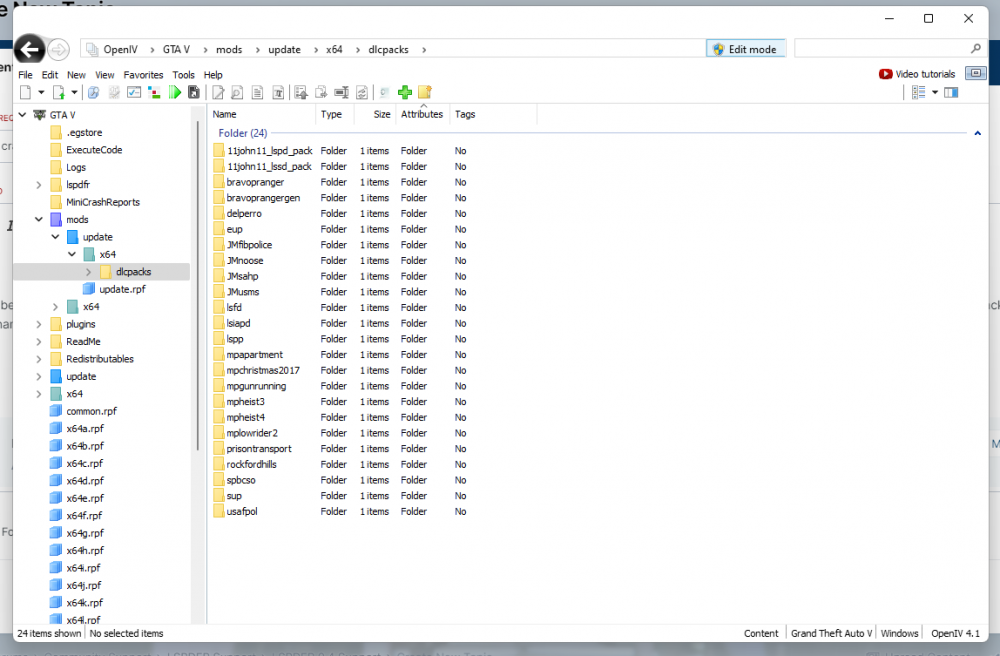
Hi! I've been wanting to get back into LSPDFR and I've added my vehicles but I just seem that I'm not able to get into the game. It continues to crash and it's because of the DLC Pack Folder. I renamed the DLC to be _DLCPack and then it didn't crash but when I removed the _, it would continue to crash. Here's my folder. Please, if somebody can just help me, it's very painful trying to mod LSPDFR.
.thumb.png.18e3e39065cc1fb1aae4f4de92ee8dec.png)
.thumb.png.fc8bcf4c49efb0f46604702b368d2431.png)
