
Tactiblox
Members
-
Joined
-
Last visited
Everything posted by Tactiblox
-
-
-
 Is the script editable to allow you to change different weapons to draw? Like for example if I wanted to draw a shotgun, is there a place in the script you can change the gun name?
 -
 I did what the instructions said. Drop the files in the GTA 4 directory, Game crashes... Maybe make a more detailed read me on how to install?
 -
 I think this is the ford explorer chime, not the crown vic.
 -
-
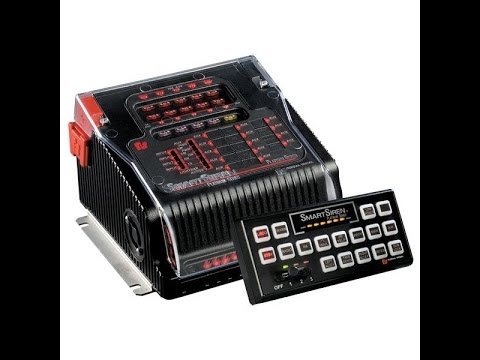 This siren is very outdated and does not loop good. I wouldn't download it but its your choice to do so.
 -
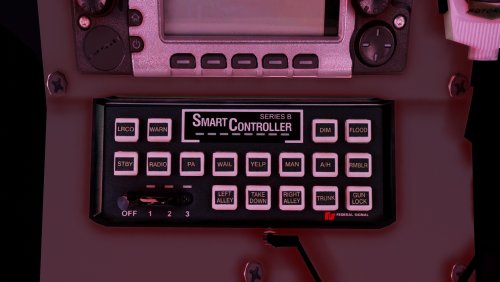 Hello! I'm a bit late for the party but I was wondering something. The tones in your first video here sound more raw and better in my opinion. Do you still have the tones for them?
- 58 comments
- 13 reviews
-
-
So I have gotten into audacity and all of that other fun stuff and have been wanting to make a siren for gta. The only problem is I cannot get the wail to loop seamlessly. I can get the yelp, priority, etc to loop fine because its less complicated then looping the wail. If anyone has suggestions or is willing to help me please message me.
-
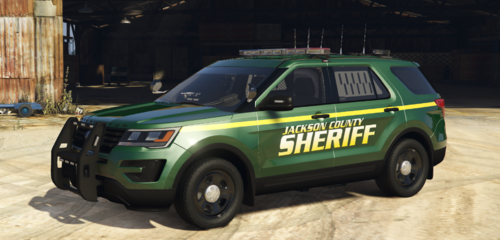 hello nickyva
 -
-
This siren is recorded from Code3Diffractions Platinum video. This is also my first file so I hope you enjoy it. Heres it in game