
Skip to content
View in the app

A better way to browse. Learn more.

LCPDFR.com

A full-screen app on your home screen with push notifications, badges and more.

To install this app on iOS and iPadOS
  1. Tap the Share icon in Safari
  2. Scroll the menu and tap Add to Home Screen.
  3. Tap Add in the top-right corner.
To install this app on Android
  1. Tap the 3-dot menu (⋮) in the top-right corner of the browser.
  2. Tap Add to Home screen or Install app.
  3. Confirm by tapping Install.

Spirit of Ecstasy

Members
  • Joined

  • Last visited

Everything posted by Spirit of Ecstasy

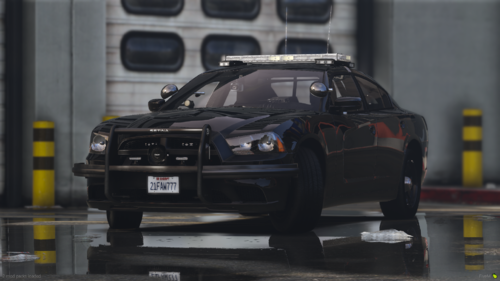
  1. Appreciate the fact that is not a FiveM only vehicle. Lighting pattern is sexy af.
  2. So when I have LML enabled I can't use my MP character models because the director menu won't allow me and It displays something along the lines of "You must be signed Into social club In order to have access to your online characters" even tho when I press home button I'm already logged Into social club. When I disable LML however, director mode allows me to use my MP characters. Is there a fix to this or Is this on my end?

Account

Navigation

Search

Search

Configure browser push notifications

Chrome (Android)
  1. Tap the lock icon next to the address bar.
  2. Tap Permissions → Notifications.
  3. Adjust your preference.
Chrome (Desktop)
  1. Click the padlock icon in the address bar.
  2. Select Site settings.
  3. Find Notifications and adjust your preference.