



stickkiller01
Members
-
Joined
-
Last visited
Everything posted by stickkiller01
-
Removed from directory, crashes 30 seconds into the loading screen. 🙃 RagePluginHook_13112023_003737.log
-
I installed LSPDFR yesterday for the first time in a while and it ran fine. I went to play today and it simply refused to load. Starting the game via steam was fine, starting the game via RPH and no plugins enabled was fine. As soon as I used the console to load LSPDFR, immediate crash. If I launched with RPH and LSPDFR plugin enabled, crashed during load. I uninstalled everything, reinstalled GTA V, did a fresh install of LSPDFR before any other mods, and it still does the same thing. I have no clue as to what to do next. RagePluginHook_11112023_235052.log
-
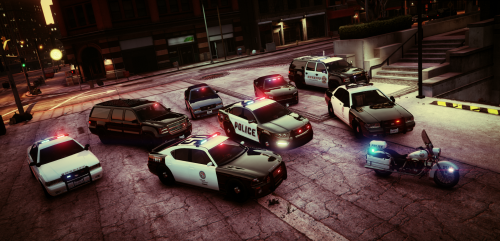 Absolutely buggered my game. I followed instructions to the letter, and everything is wrong. I have no ELS functionality, my police cruiser is missing wheels/lights, all the the other lights on the other police vehicles are wonky (some on, some off, some missing) and my interiors are all messed up. Outstanding. smh
- 29 comments
- 12 reviews
-
Wonderful! Thank you!
-
Thank you kindly! Keep us apprised!
-
Finally someone else had this issue too and posted about it. I thought I was losing my mind because this wasn't popping up on any threads anywhere. I've done 2 fresh installs AS WELL as loading each of my mods individually, trying to troubleshoot this issue. Come to find out, my plugins made no difference. It was happening in base LSPDFR. And this all happened after the update. Have we heard anything else on this issue?? It's kinda game breaking....
-
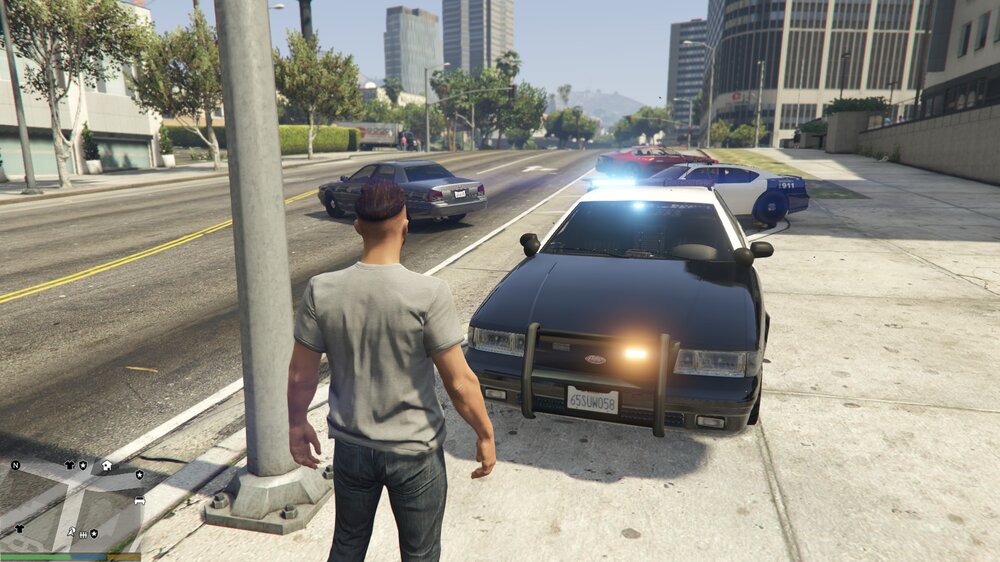
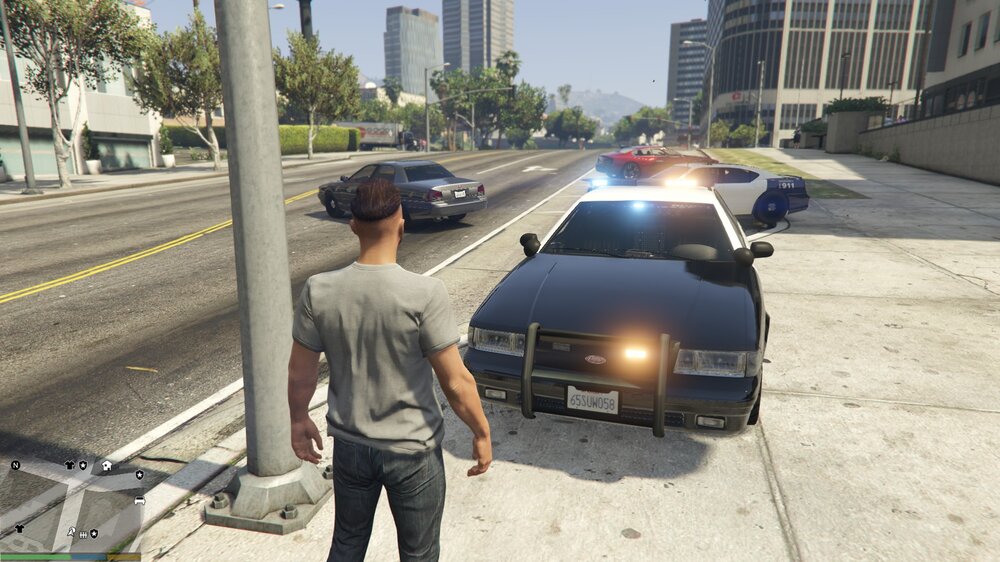
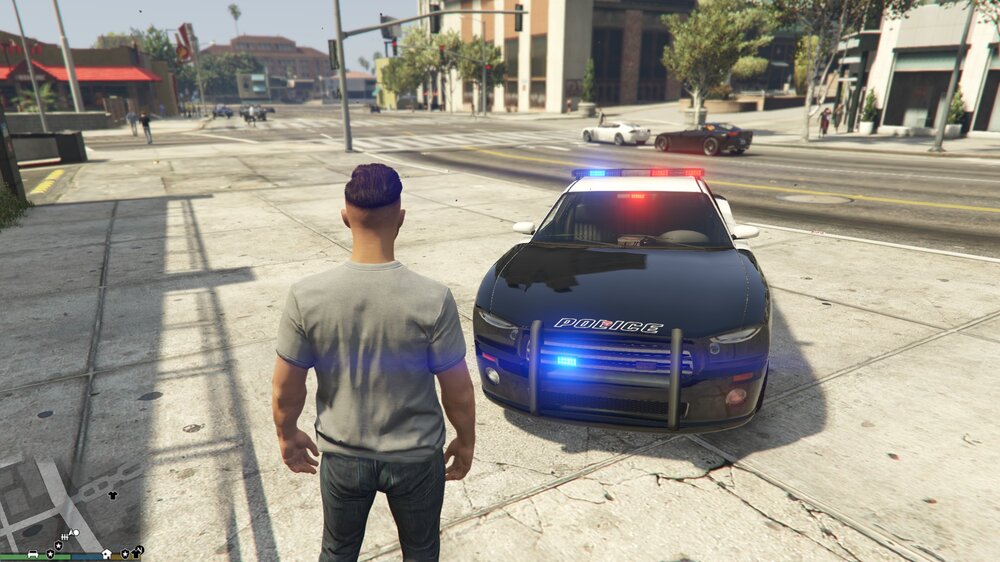
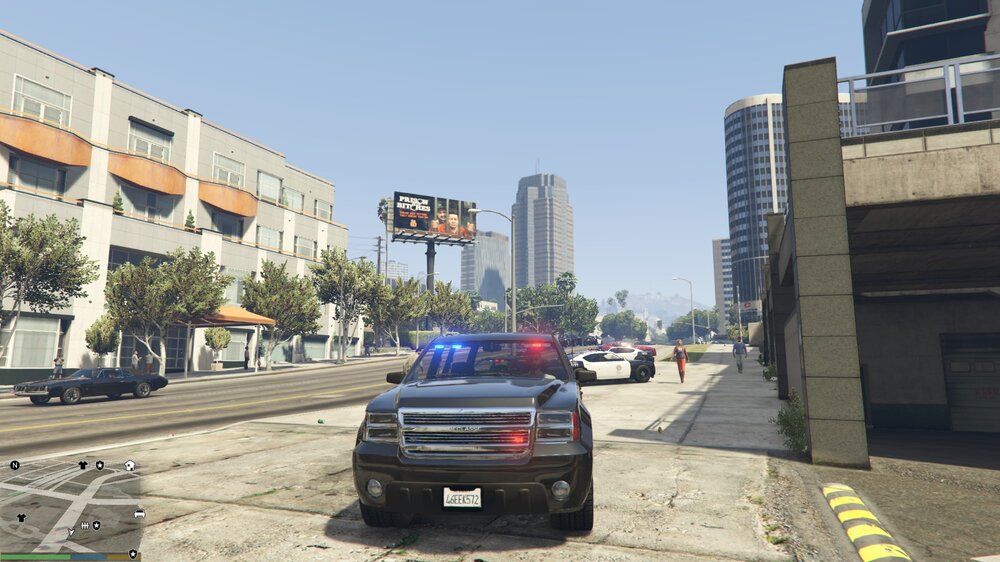
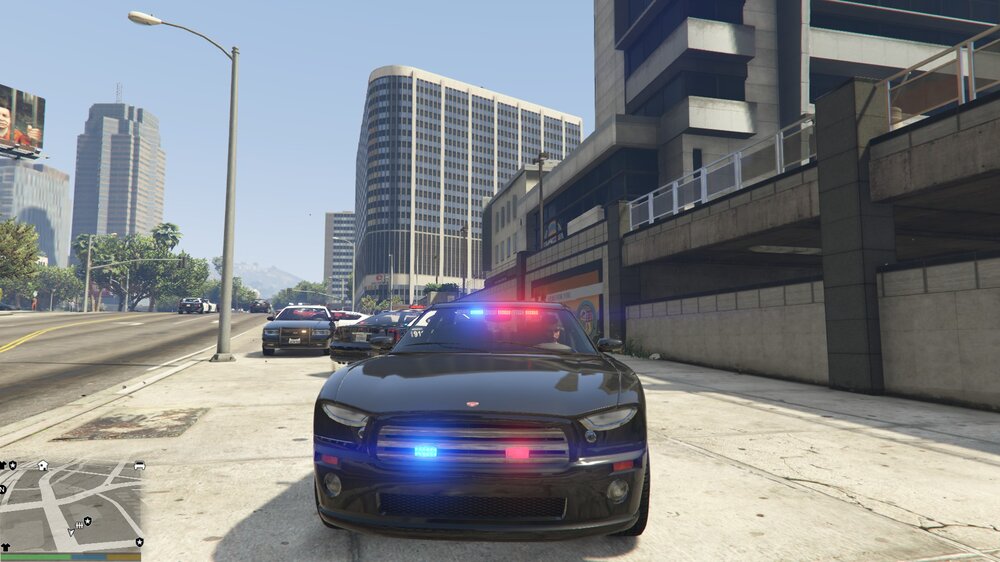
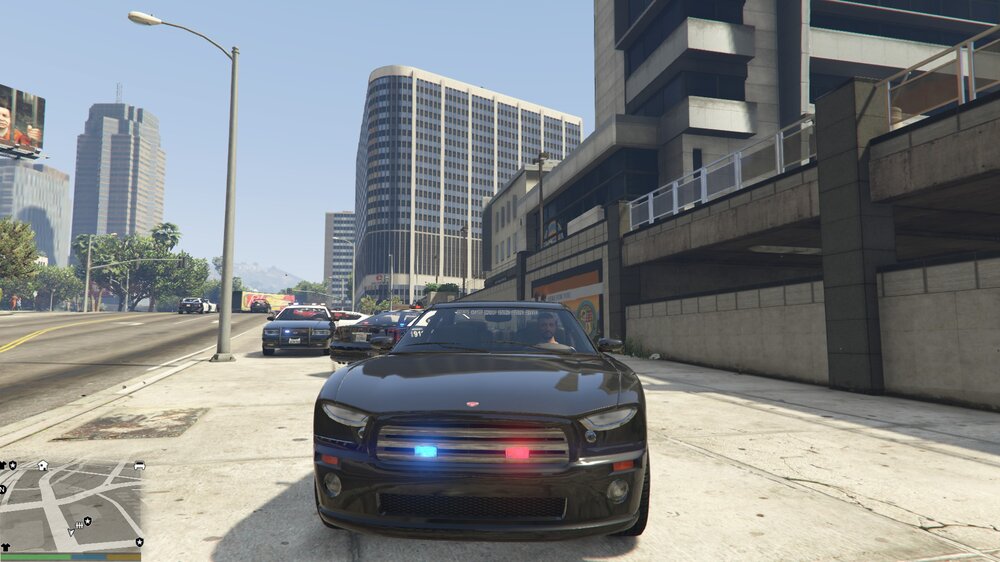
Hello! I recently installed the NaturalVision Remastered with Brighter Emergency Lights addon, as well as VisualV. Everything was great, until I noticed my emergency lights were light orange and light blue. They looked terrible. So, I used the .oiv uninstaller and removed NaturalVision. I was under the assumption the uninstaller would remove the brighter emergency lights addon, but unfortunately the lights are still orange and light blue. HOWEVER, this is only the case on the Crown vic (I'm not sure what the in-game version is called). The Charger/Buffalo and the Taurus have perfect color. Also, I used the visualdat settings and raised the default light brightness to troubleshoot the problem. Now my lightsare much brighter and look great, but the crown vic still looks terrible. I'm at a loss as to how to fix this now, as I've combed the web trying to figure something out before asking for help. If anyone has had the same issue or knows how to correct this, the help is thoroughly appreciated! -Also, as I was testing all the vehicles, I noticed the FIB buffalo grille lights stay on regardless of light activation. I would guess this could have something to do with my original problem
-
Hello all. I'm having an issue with the police buddies/backup in stop the ped. I have to manually go around and arrest/transport all suspects by myself when on scene. I know there is a function in the parameters section that enables/disables this feature (it lets ai police arrest and transport on their own) and I have it set to where they SHOULD be able to arrest and transport. But they always end up cuffing the suspect and then guarding them as they wait for me. Any ideas? Thank you!


