




Goose10X
Members
-
Joined
-
Last visited
Everything posted by Goose10X
-
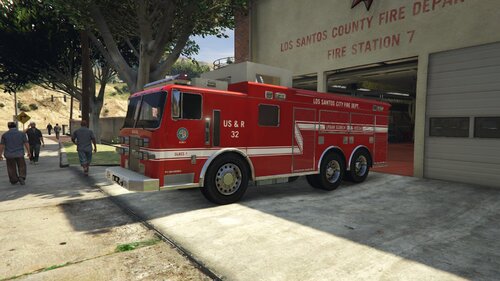 Awesome USAR rig! Just made this livery and added it to my FivePD server 🤙
 -
-
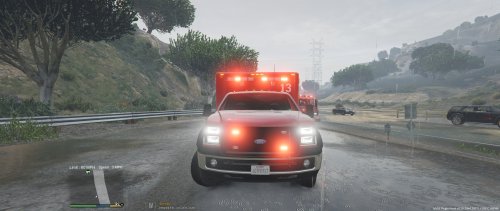 I'm loving this model. Great job 🤙 I agree with others that the vehicle is slightly longer/larger than the vanilla ambulance. Also, my white scene lights wont work. I've tried editing the ELS file multiple times but I cannot get the extra white scene lights to work. Any help would be greatly appreciated. -Goose10X
- 48 comments
- 24 reviews
-
Thanks for the tips man. Great video!
-
It might be your carvariations.meta file... Search for carvariations.meta in OpenIV Locate the vehicle name that is giving you issues It might look something like this: <modelName>police4</modelName> <colors> <Item> <indices content="char_array"> 0 <-- primary color 0 <-- secondary color 11 <-- This is your pearlescent setting 156 0 0 Try changing your pearlescent # setting



