Tiresoup
Members
-
Joined
-
Last visited
Everything posted by Tiresoup
-
I got the same problem, solved it by re-installing all of my Bejoijo Plugins (Stop the Ped, Ultimate Backup, Compulite etc.). Hope this helped!
-
Are you on the latest version of rage plugin hook and lspdfr? If so make sure LSPDFR is installed fully!
-
Problem Is fixed, thanks for the help anyway!
-
Here's My advice: 1. open the RPH console (F4) and type "Reloadallplugins" (no quotes) 2. if step one doesn't work then going through the LSPDFR install process again to make sure it was installed right could help
-
This may also be due to performance issues depending on just how many units you called in.
-
Are you sure it is crashing because you are offline? A crashlog could help too.
-
Did you check if that uniform pack was supported by jurisdictions+? My idea would be checking jurisdictions plus' ".cfg" file, from there you can look to see their spawn settings. hope this helped!
-
The only callouts that ship with LSPDFR are Grand Theft Auto Calls and Robberies. If you want some good callouts find them in the: downloads> scripts section of this website.
-
Hey, so let me get one main thing out of the way first: this is a game crash that occurs during the usage of the rph console, so I cannot attach an rph crashlog. This only happens with LSPDFR commands, so I'm putting it here instead of GTA support. Anyway, with that being said, i'll break down the issue; when I attempt to use an LSPDFR related command in the rph console my game crashes (I've tried "forceduty" and (loadplugin eupmenu" so far). Let me know if I can provide more relevant info
-
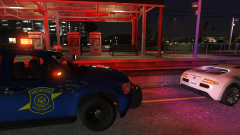
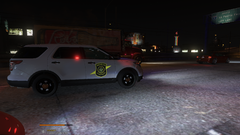
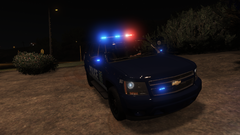
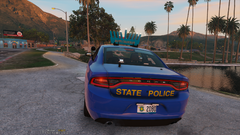 I live right next to a michigan state trooper station and its silly but charming the little "stop" sign on the front of their cars.
 -
-
Thanks! it works perfectly now!
-
I've Received this error before and the way i've fixed it is uninstalling all the files from stop the ped, compulite and ultimate backup. afterwords, I did a full exactly by the books reinstall of the aforementioned plugins. hope this works for you too!
-
Can you attach a crash log and what plugins you have? for the time being, when it crashes just go to the F4 console and type "reloadallplugins" (without the quotes). Edit: make sure you are using the latest version of all of your plugins, lspdfr Etc.
-
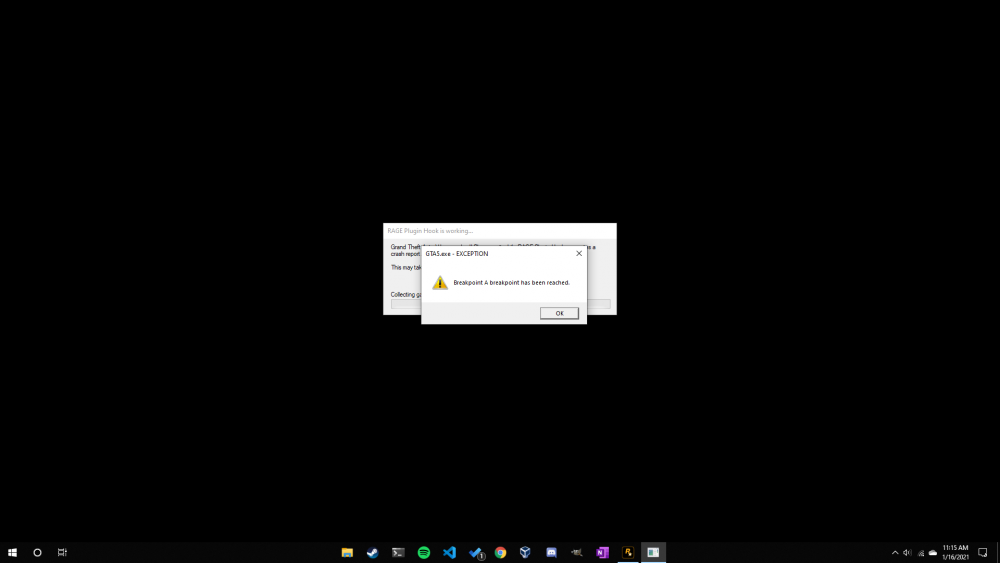
Hi, I installed LSPDFR a few weeks ago and have been having a blast with it until I starting getting memory issues, so here's what happened: I was playing LSPDFR and the screen goes black, seconds later a popup appears that I am out of Allocated memory. Has anyone else encountered this issue? If so how did you fix it? Details: Relevant System Info: 16 GB, DDR3, Windows 10 Pro 64 Bit Build 18363. Plugins: DLS, ELS, Arrest Manager, Compulite, Stop The Ped, Ultimate Backup, Vocal Dispatch, Deadly Weapons, Super Callouts 2. Screenshot:



.png.869bd9a184d476f1a040342d48a6c0da.png)