Skip to content
View in the app

A better way to browse. Learn more.

LCPDFR.com

A full-screen app on your home screen with push notifications, badges and more.

To install this app on iOS and iPadOS
  1. Tap the Share icon in Safari
  2. Scroll the menu and tap Add to Home Screen.
  3. Tap Add in the top-right corner.
To install this app on Android
  1. Tap the 3-dot menu (⋮) in the top-right corner of the browser.
  2. Tap Add to Home screen or Install app.
  3. Confirm by tapping Install.

fabien jam

Members
  • Joined

  • Last visited

Everything posted by fabien jam

  1. merci beaucoup, sa fonctionne merci encore
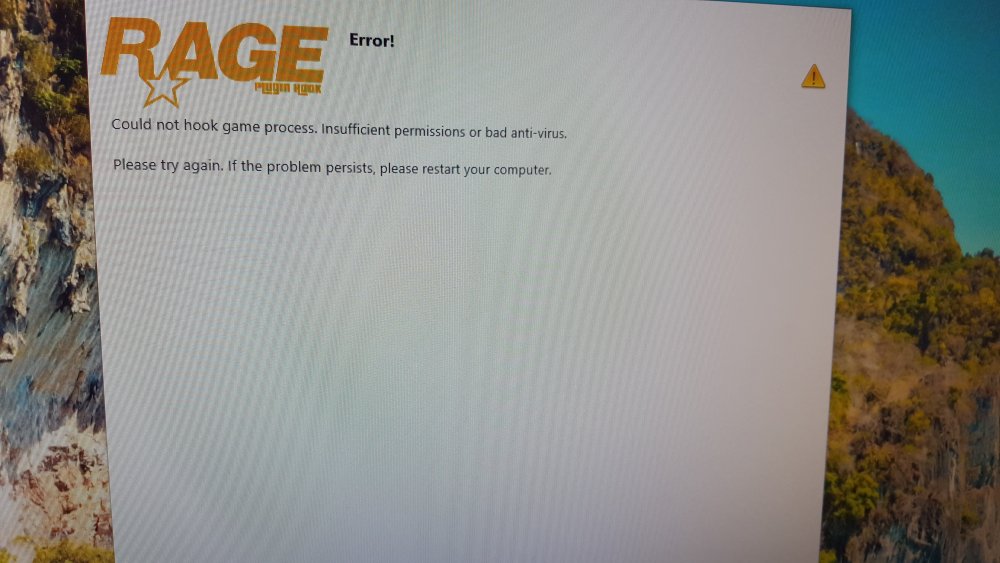
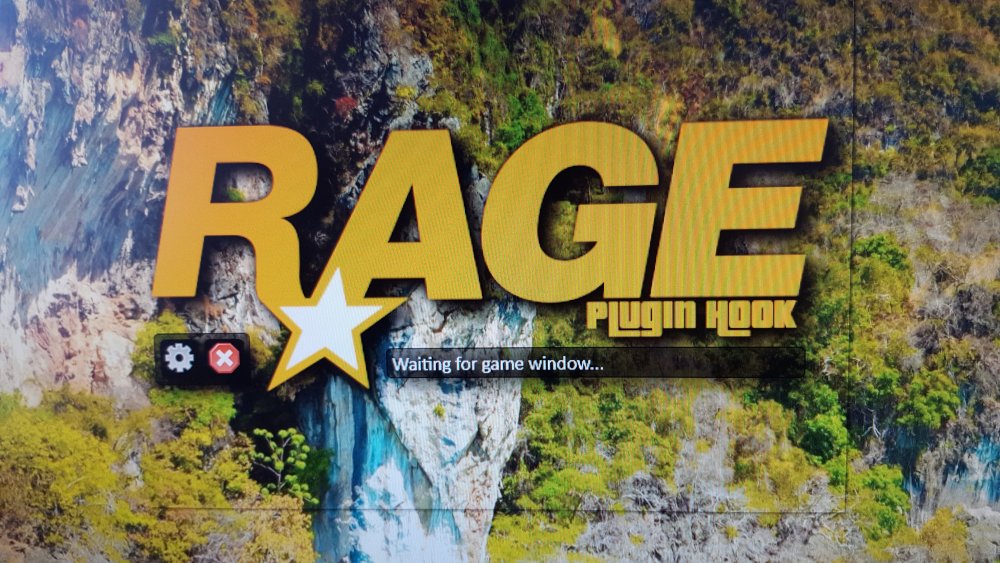
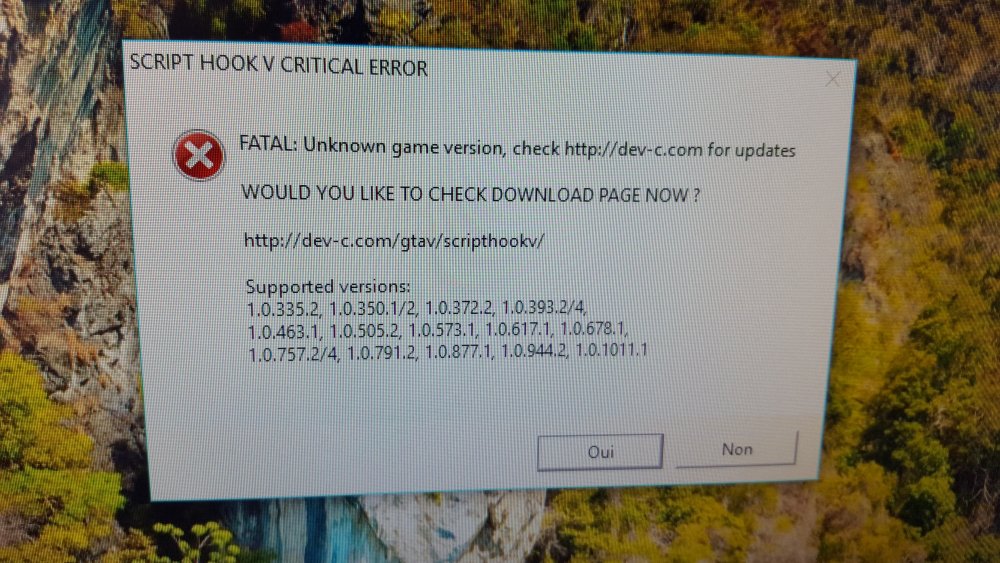
  2. bonjour à tous j'ai installé LSPDFR en suivant une vidéo de BUG MAN, quand je lance rage plugin en tant qu'administrateur le jeu bug et reste bloqué sur l'image de chargement " waiting for game window..." j'ai attendu de long minute mais rien ne se passe et j'ai également un fenêtre qui s'ouvre ou il y a d'inscrit " SCRIPT HOOK V CRITICAL ERROR". j'ai éteint et relancé le jeu mais je jeu se bloque toujours au chargement. n'étant pas doué en informatique je ne sais pas quoi faire, si quelqu'un peut me donner une solution au problème. merci d'avance
Account

Navigation

Search

Search

Configure browser push notifications

Chrome (Android)
  1. Tap the lock icon next to the address bar.
  2. Tap Permissions → Notifications.
  3. Adjust your preference.
Chrome (Desktop)
  1. Click the padlock icon in the address bar.
  2. Select Site settings.
  3. Find Notifications and adjust your preference.