


Colton T.
Members
-
Joined
-
Last visited
Everything posted by Colton T.
-
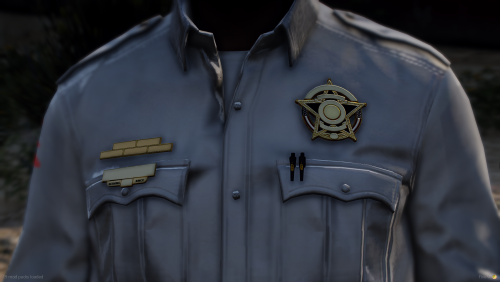 What program do you use to make these?
 -
-
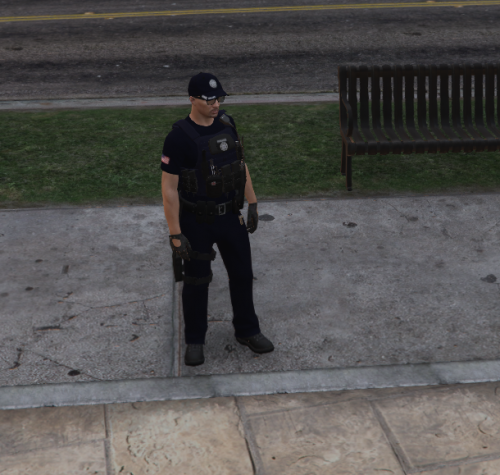 Hello everybody! This is a SAST uniform pack that can be used in LSPDFR. This is one of my first packs so please be nice. I ONLY MADE THE TEXTURES I do not take any Credit for any of the models used _____________________________________________________________________________________________________________________________________________________________________________________ Disclaimer -I am not responsible for any damages done to your game. -Do not re-upload this pack. -Do not upload this file to any other site, claiming it to be yours.
