


aiatv
Members
-
Joined
-
Last visited
Everything posted by aiatv
-
Id worked! I'm in thanks, i reloaded all plugins in F4 console and I have lspdfr. Do I have to do it everytime like this now?
-
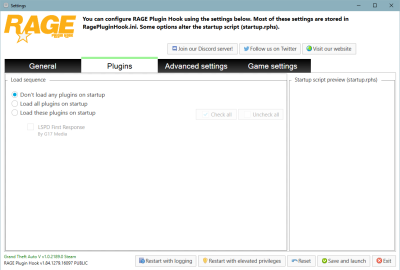
After launch still black.
-
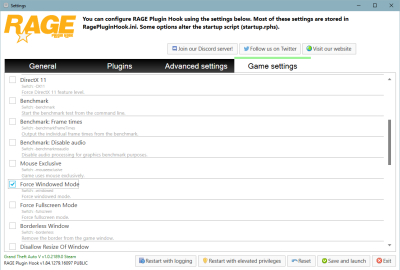
It's still black. A friend told me sth about Direct Y 10,11?
-
Now it's even not loading.

-
RagePluginHook_02012021_115859.log
-
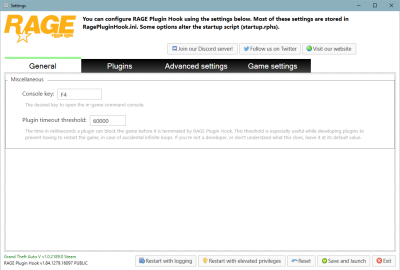
Okay, so I tried it some times now and one time it worked but the other time the screen was again completely black. Maybe I should activate something in the setting window mode or sth?
-
Hi there, I know that there are some topics about this, but I tried my best to solve the problem. So when I launch lspdfr with RAGEPluginHook.exe I can see the default loading screen but when lspfr is loading (see picture) there's a blackscreen, and it is just loading for ever, and it never stops. I tried to follow some ideas from other topics, like going into the settings from RagePluginHook. Thank you in advance! RagePluginHook_02012021_110808.log


