


Lognclrke
Members
-
Joined
-
Last visited
Everything posted by Lognclrke
-
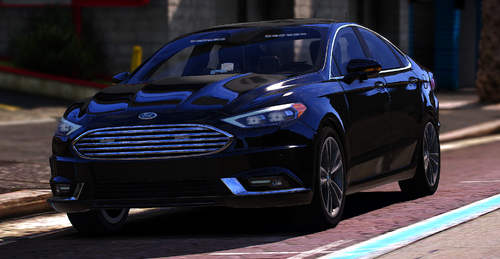 My lights dont work in game?
 -
Alright gonna do that right now okay it finally works! Thanks so much, so where I should I continue to download vehicles if I would like more?
-
can you explain that a tad more, sorry I’m like newish at this
-
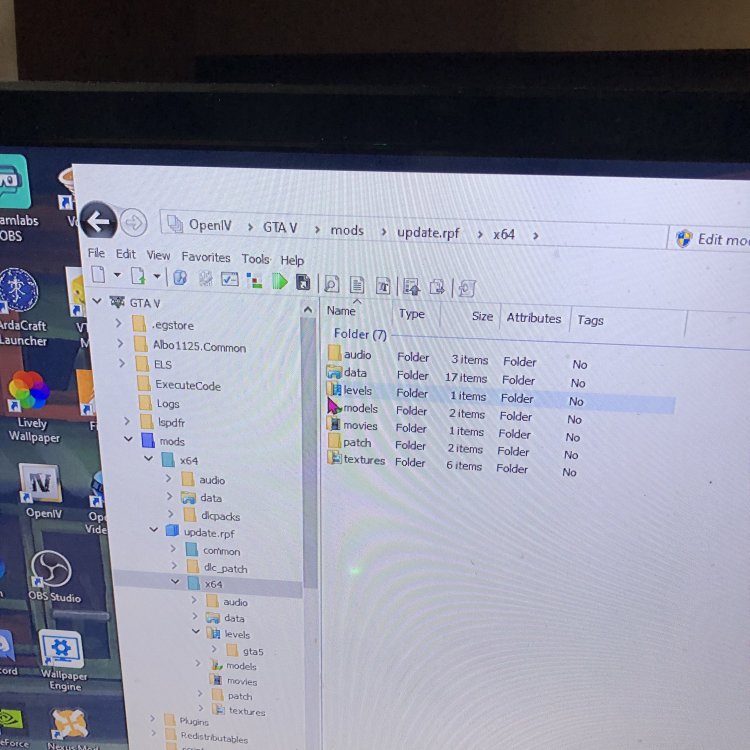
Also after I go to mods>update.rpf>x64 I don’t see dlc packs I see this k
-
what exactly would you like a screenshot of?
-
yeah I’ll check right now
-
Okay sorry I guessed from memory to tell you but I guarantee I put it in the right path
-
OpenIV>mods>update>X64>data>dlcpacks>patchday24>vehicles.rpf
-
I downloaded a car pack and it was highly rated so i followed all the tutorials on downloading it and can’t seem to get them in game, I’ve tried with two different cad packs, any suggestions?
-
So I’ve had lspdfr with vehicles download and els working before but after installing a vehicle my game stopped working and epic games kept saying that my game cannot be verified so I deleted all my files and did a fresh install of lspdfr and rage my game doesn’t run anymore, I always get the insufficient permissions or bad anti virus. I’ve probably checked 30 different forums and followed 3 tutorials on installing lspdfr to make sure I don’t miss anything and it still never works. I really don’t know what to do anymore and any help will be appreciated.
