Skip to content
View in the app

A better way to browse. Learn more.

LCPDFR.com

A full-screen app on your home screen with push notifications, badges and more.

To install this app on iOS and iPadOS
  1. Tap the Share icon in Safari
  2. Scroll the menu and tap Add to Home Screen.
  3. Tap Add in the top-right corner.
To install this app on Android
  1. Tap the 3-dot menu (⋮) in the top-right corner of the browser.
  2. Tap Add to Home screen or Install app.
  3. Confirm by tapping Install.

ShiningCharizard

Members
  • Joined

  • Last visited

Everything posted by ShiningCharizard

  1. ok i will try that. but i have many other plugins that arent working.
  2. i tried to put some plugins into the main GTA V folder and ran the game. when i run the plugins thru the F4 option, the plugins do not work. only LSPDFR.ini works. but all add on plugins dont work. what do i do?
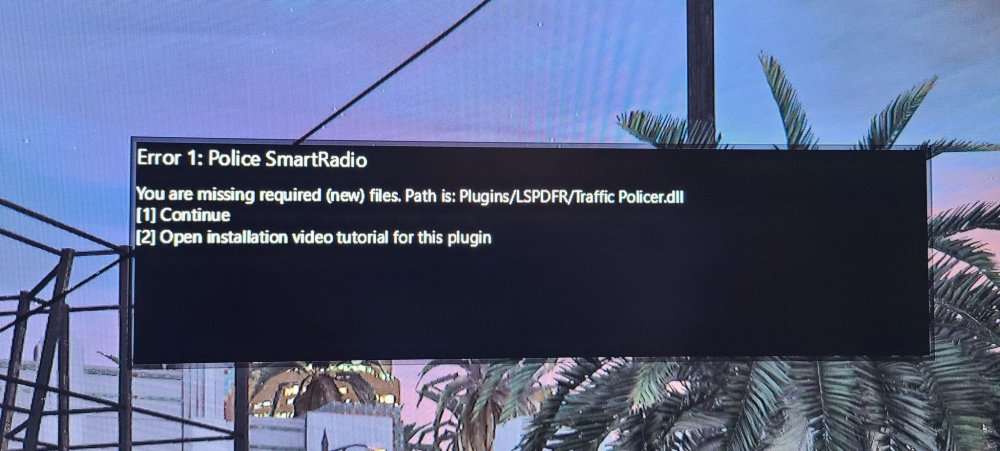
  3. so i installed the game and the mod fresh and it started up no problems. now the second time im trying to start it up, the hook will inject, and the game will get to loading the list of tthings. when it gets to the last one "starting LSPDFR" it crashes and gives me a report. why did the game work the first time but now it doent work?? im running the latest version of the hook. http://forums.ragepluginhook.net/default.aspx?g=topics&f=7&name=Technical Issues

Account

Navigation

Search

Search

Configure browser push notifications

Chrome (Android)
  1. Tap the lock icon next to the address bar.
  2. Tap Permissions → Notifications.
  3. Adjust your preference.
Chrome (Desktop)
  1. Click the padlock icon in the address bar.
  2. Select Site settings.
  3. Find Notifications and adjust your preference.